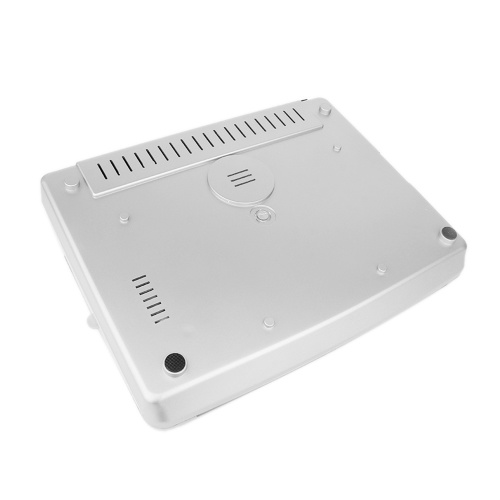
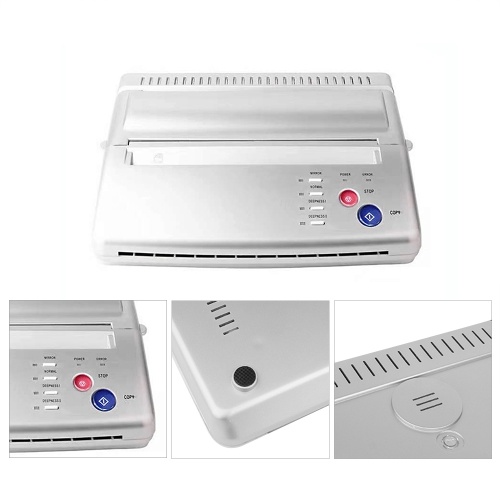
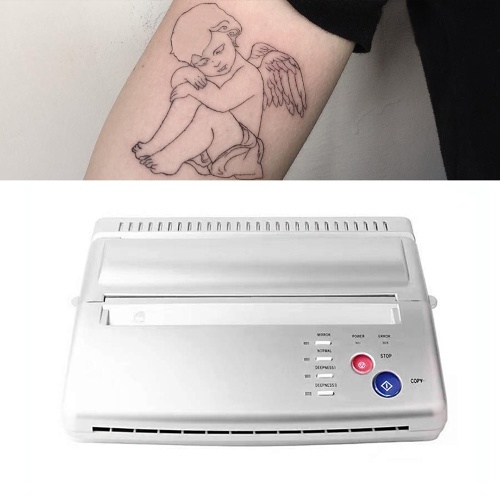
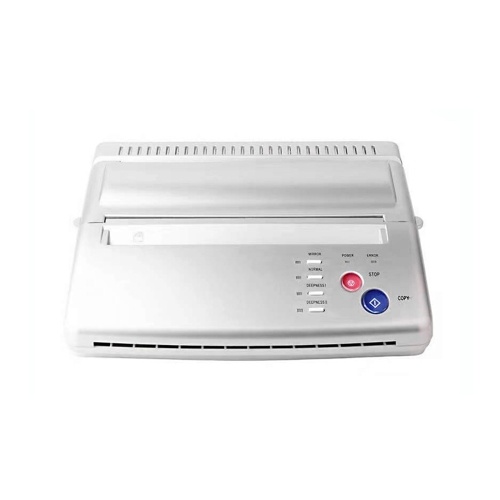
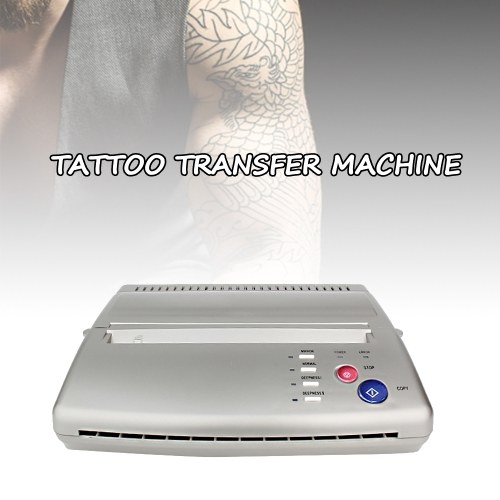
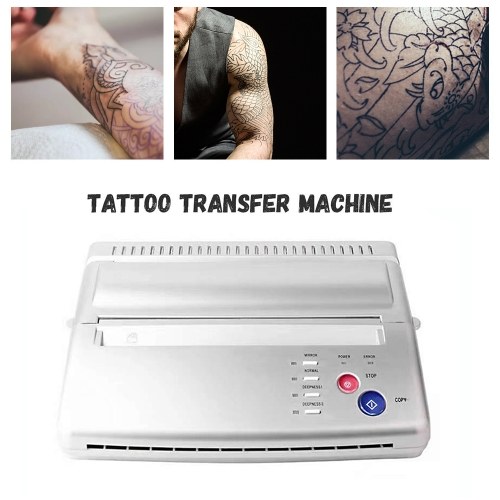
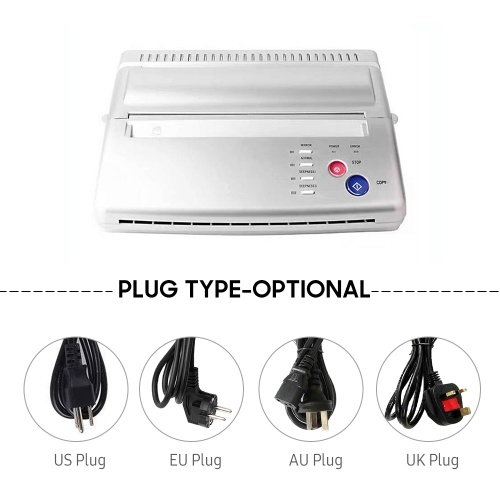
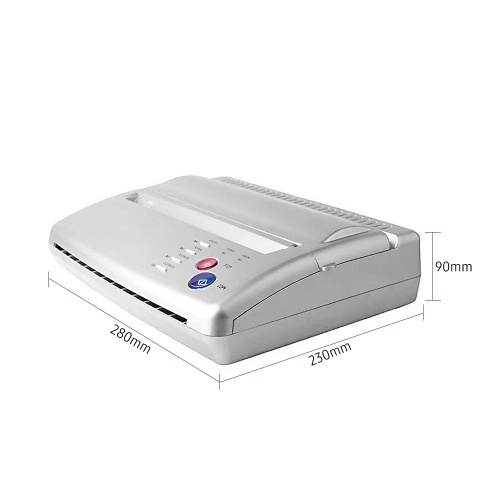
Tattoo Stencil Transfer Machine Printer Drawing Thermal Stencil Maker Copier Line Drawing Printing Copier Printing Line Art Tattoo Transfer Machine for Tattoo Transfer Paper Supply









TOMTOP
sku: E9443AU-2
ACCORDING TO OUR RECORDS THIS PRODUCT IS NOT AVAILABLE NOW
€ 145.99
Shipping from: China
Description
Features:
Professional Tattoo Copier --- Allow you copy the designs onto stencil paper quickly and efficiently just in a few easy steps. Copy your design to skin perfectly without error. Great tattooing copier, work for the regular paper design.
Easy and Fast Transfer --- Just 1 minutes can provide your nice icon and pic, be quickly give you professional and vivid tattoo that you want. This machine will give you more fast and save way for nice tattoo.
More Affordable --- No replacement parts and No ink needed, life basis tattoo stencil copier has no bulbs, cylinders, or heating elements, more economical than other traditional tattoo machines.
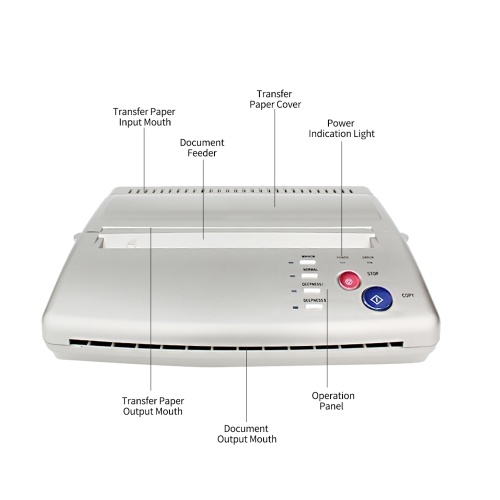
Multiple Settings --- There are several buttons/ keys for different functions, you can choose the copy methods, deepness etc, which is very convenient and functional. Two light indicators, power light shows when the machine starts working, error light shows something wrong on the machine, such as the TPH is overheating.
Nice for Tattoo Artists --- This copier is created specifically for the tattoo artist. Lightweight, simple, reliable copier that will make your life easier.
How to use the tattoo transfer machine?
1. Select your favorite pattern and type it on a blank paper (A4 paper size).
2. Turn the machine on.
3. Open the transfer paper cover.
4. Put the yellow side of the stencil sheets into the transfer paper input mouth.
5. Put the printed pattern into the document feeder.
6. Set up the copy mode.
7. Press the copy button.
Frequently Question Answers:
Q1: How to solve machine prints random line or black lines problem?
A: Please Restore Default Setting Clean Roller Regularly.
Steps to Restore Default Setting:
1. press the stop button for 3 seconds, then you will hear a beep
2. press the mirror button
3. press the copy button
Wipe out the inks on the roller regularly to avoid printing black line.
Q2: How to solve paper jam up problem?
A: If the machine is overheating, the paper will jam up, please wait for the machine to cool down, and then you can use it again.
Professional Tattoo Copier --- Allow you copy the designs onto stencil paper quickly and efficiently just in a few easy steps. Copy your design to skin perfectly without error. Great tattooing copier, work for the regular paper design.
Easy and Fast Transfer --- Just 1 minutes can provide your nice icon and pic, be quickly give you professional and vivid tattoo that you want. This machine will give you more fast and save way for nice tattoo.
More Affordable --- No replacement parts and No ink needed, life basis tattoo stencil copier has no bulbs, cylinders, or heating elements, more economical than other traditional tattoo machines.
Multiple Settings --- There are several buttons/ keys for different functions, you can choose the copy methods, deepness etc, which is very convenient and functional. Two light indicators, power light shows when the machine starts working, error light shows something wrong on the machine, such as the TPH is overheating.
Nice for Tattoo Artists --- This copier is created specifically for the tattoo artist. Lightweight, simple, reliable copier that will make your life easier.
How to use the tattoo transfer machine?
1. Select your favorite pattern and type it on a blank paper (A4 paper size).
2. Turn the machine on.
3. Open the transfer paper cover.
4. Put the yellow side of the stencil sheets into the transfer paper input mouth.
5. Put the printed pattern into the document feeder.
6. Set up the copy mode.
7. Press the copy button.
Frequently Question Answers:
Q1: How to solve machine prints random line or black lines problem?
A: Please Restore Default Setting Clean Roller Regularly.
Steps to Restore Default Setting:
1. press the stop button for 3 seconds, then you will hear a beep
2. press the mirror button
3. press the copy button
Wipe out the inks on the roller regularly to avoid printing black line.
Q2: How to solve paper jam up problem?
A: If the machine is overheating, the paper will jam up, please wait for the machine to cool down, and then you can use it again.
Technical Details
| activityPrice: | 125.99 |
| activityTimeEnd: | 2022-11-03 11:16:57 |
| activityTimeStart: | 2022-09-14 11:16:55 |
| categoryName: | Test Instruments & Tools > Power Tools > Other |
| OriginalPrice: | 238.99 |
| product_availability: | in stock |
| Warehouse: | CN |
Price history chart & currency exchange rate
Customers also viewed


€ 17.94
1 шт. 31935-X420B 31935-1XF01 Датчик скорости 31935-1XF01 Датчик скорости автомобиля для Nissan Altima 2007-2014
joom.ru


€ 204.05
Масло моторное Chempioil Multi GT SAE 15W-40 API SL/CF (бочка 208л) универсальное всесезонное
bigl.ua


€ 6.70
handmade pure brass abacus lucky mini pendant small pendant pendant jewelry men and women personalized gift car keychain
fordeal.com
€ 80.40
high neck korean french elegant commuter retro dress sweater skirt knee-length temperament was thin
fordeal.com
€ 3.04
12Pcs Metallic Non-Toxic Colored Pencils+6 Fluorescent Color Pencils for Drawing Sketch
aliexpress.com
€ 5.56
4PCS Wood Graining Tool Set Rubber Wood Graining Pattern Wall Paint Painting Tool for Wall Painting Decoration DIY
aliexpress.com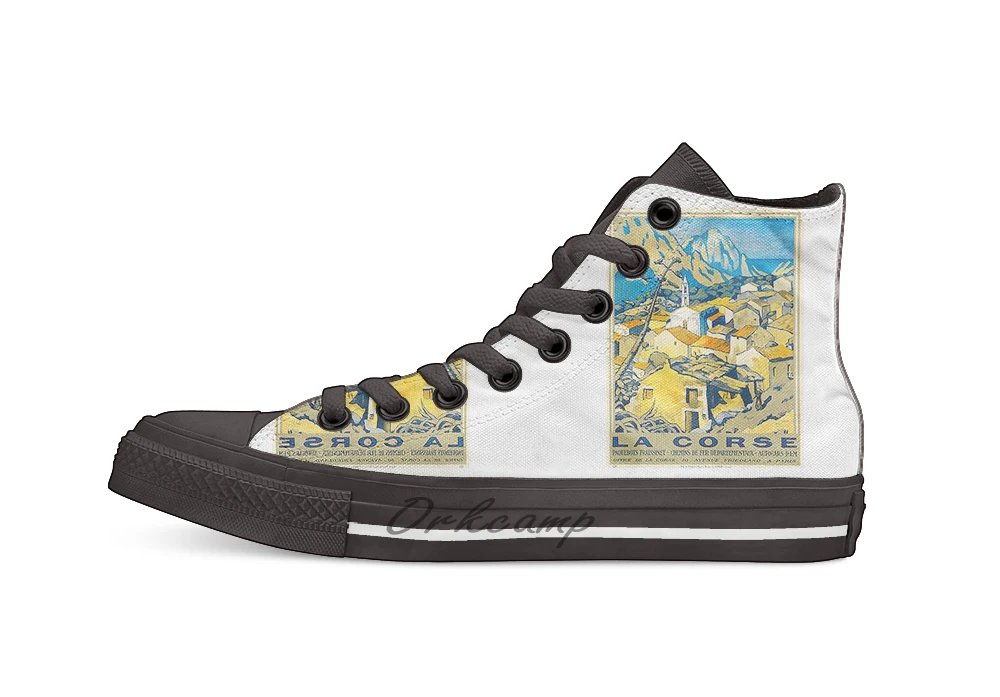
€ 24.59
La Corse Corsica Vintage Travel Poster Casual High Top Canvas shoes sneakers For Drop shipping
aliexpress.com

€ 5.99
Уплотнительное кольцо (O-RING) для Dewalt DCF403E1T DCF403N DCF403NT DCF414B DCF414D2 DCF403B DCF403D2GT DCF403E1GT DCF414E2GT DCF414E2T DCF414N
aliexpress.ru
€ 0.67
Ткань с фетровым краем, автомобильная чистая виниловая пленка, фетровый скребок, пластиковые автомобильные аксессуары, наклейки из углеродной пленки, наклейки, скребок для стеклоочистителя автомобиля
aliexpress.ru
€ 24.62
Детали интерьера автомобиля, кнопка запуска двигателя и остановки для VW Jetta 2011 2012 2013 2014 2015-2018 5C7959839C 5C7959839A 5C7959839B
aliexpress.ru

€ 15.67
Birds of a Feather Cute Sun conure Pet birds Gift T shirt for man Large size Tops Funny parrot Graphic Printed clothes
aliexpress.ru
€ 117.41
CZ Restaurant Creative Leisure Armrest Tea Chair Solid Wood Dining Chair Backrest Master Chair
aliexpress.ru
€ 8.46
Комплект прокладок масляного фильтра автоматической коробки передач и масляного поддона для Cadillac Escalade 4L65E/4L60E 1999-2006 годов 24208465
aliexpress.ru
€ 57.88
Moofeel Медь Амиачный Вискоза Длинный Све irt Ранняя Осень Новый Sle Свободные Морщины Уникальный Sa Женский Французский Sle Прямой...
aliexpress.ru
€ 3.15
Тренажер для бильярдного кия StrokeTrainer Тренажер для бильярдного кия с нескользящей основой, акриловое средство для тренировки бассейна на 8 мячей
aliexpress.ru
€ 15.47
Танцевальная обувь, женские современные джазовые кроссовки с мягкой подошвой, кожаные дышащие легкие женские танцевальные кроссовки для фитнеса и спорта
aliexpress.ru
€ 32.02
Mini Camera Watch 1080P HD DV Professional Digital Voice Video Recorder Bracelet Dictaphone Sound Small Micro Home Secret
aliexpress.ru
€ 8.82
1Pcs Composite Cam Cleat Black Small Lightweight Wear-Resistant Clamp Rope Board Boat Kayak Sailboat Nylon Cam Cleat
aliexpress.ru
