Selective Area Coloured 21 Actions


Description
21 Selective Area Coloured Actions THINGS TO CHECK AND REMEMBER 1. Your photo is in RGB color mode 2. Your photo is in 8bit color mode 3. You are running the English version of Photoshop. 4. If you are experiencing errors, try resetting your Photoshop preferences. To do this, hold down Alt, Ctrl, and Shift keys Mac: Command, Option, Shift while starting up Photoshop. A dialog box will appear asking if you wish to delete the preferences/settings file. 5. Avoid using small resolution images. For the best results, use Photos between 1500px - 3000px high/wide. Chances of the action running into errors will increase the lower you go under 1000px high/wide. Photos with good color variation and contrast wil work best. 6. Avoid brushing onto mainly black areas on a photo. The effect is not very prominant when applied to mostly dark areas of a photo. 7. Remember that adjusting your photo resolution will determine how wide the parts spread out. If you run the action at 72DPI, then the parts will be quite close - if you run it at 300DPI, the parts will be spread much wider. Please refer to the video tutorial for a demonstration of this. 8. If you experience an 'Out of Memory' error during the action, go to the menu 'Edit -- Purge -- All' then press play again on the action to continue it. This can happen if you have insufficient memory installed on your computer. Photoshop can chew up lots of memory! HOW TO INSTALL THE ACTION 1. Inside Photoshop, go to the 'Window' menu and select 'Actions'. A window will now appear to the right hand side. 2. Inside the Actions window, click on the top right hand corner icon to reveal the drop down menu. From here select 'Load Actions...'. Select the action which came with the download. 3. The action will now appear in the actions panel. HOW TO USE THE ACTION 1. Open a photo to work with 2. Leave the photo layer locked and set as the 'Background'. To set your photo as the Background, select your photo layer and go to the menu 'Layer' -- 'New' -- 'Layer from Background..'. 3. Create a new layer above the background layer called 'brush'. MUST be all lowercase. 4. With the 'brush' layer selected, brush onto the areas of your photo that you want to apply the effect to. 5. play button found at the bottom of the action panel or play : .
Technical Details
| _GoogleCategoryID: | 5032 |
Price history chart & currency exchange rate
Customers also viewed

$53.52
High Quality Designer Butterfly Purses and Handbags Cow Leather Shoulder Crossbody Bags for Women Fashion Sac A Main New
aliexpress.com
$2.31
new Wholesale customizable unisex nurse cap adjustable flower frosted cap cotton stretch work cap Dentist working cap adjustable
aliexpress.com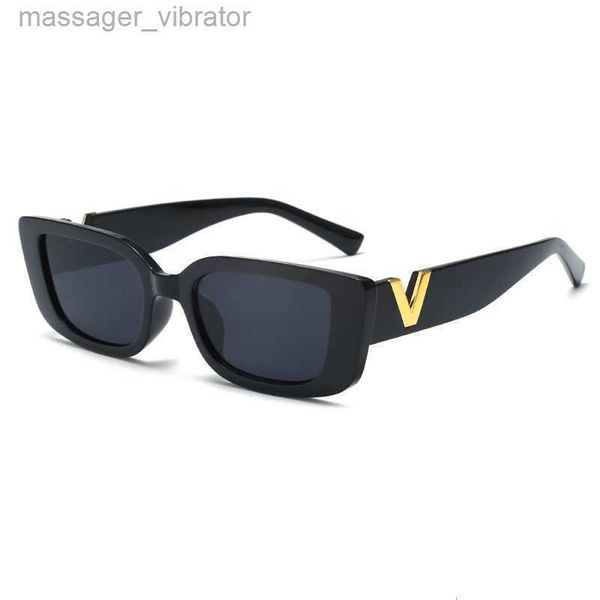
$31.70
sunglasses style trendy 2023 New Fashion simple square hip-hop glasses Net red The same street photo sunscreen 6O4Q 8TPG
dhgate.com
$22.05
titanium steel bangle women love designer bracelets silver rose gold bangles v letter color narrow bracelet fashion j6552990, Black
dhgate.com
$16.40
oversized square bee sunglasses women brand metal frame gradient sun glasses shade for womanuv400 18439312271, White;black
dhgate.com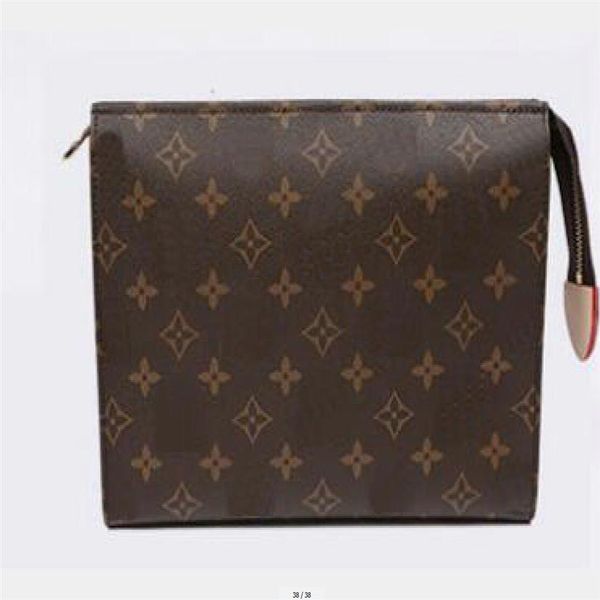
$29.36
women discount cosmetic bags travel print toiletry pouch 26 cm protection makeup clutch female genuine leather waterproof fo186r
dhgate.com
$26.71
RFZK T-Shirt Elastic 2020 Short Sleeve undershirt Ladies Tshirt Tops Shirts Summer Casual Short Sleeve Loose Tops Shirt
aliexpress.com
$9.60
Miwens Brand Trendy Crystal Long Tassel Choker Necklace Luxurious Statement Jewelry Necklace For Women Wedding Accessories 5999
aliexpress.com
$7.08
Women Casual Comfort Fitness Top Push Up Stretch Running Sport Solid All Seasons V Neck Sports Yoga Bra
aliexpress.com
$198.00
KOKO RACING 285*24mm disc wonderful shape automotive parts for CP9040 red caliper for BMW 18 rim
aliexpress.com
$10.63
Plus Size Cat Print Loose Jumpsuit Dungaree Womens Bib Long Pants Playsuit Rompers Casual Sleeveless Strappy Jumpsuits Overalls
aliexpress.com
$9.52
JJC Multi-Coated CPL Filter Optical Glass CPL Camera Lens Filter Circular Polarizer 37mm 49mm 52mm 55mm 58mm 62mm 67mm 72mm 77mm
aliexpress.com


