Pencil Drawing Effect PS Action


Description
Pencil Drawing Effect Photoshop Action Pencil Drawing Effect Photoshop Action Turns your photo into a real of a Sketch Art look. Save time of work with this action. After action finishes the work you get a well-organized and structured file with the many layers, folders, and settings to improve the final result. This set contains 10 different color option. When you open unviewed eye. My Working Software Version : CC2020 English Version. Software supported version: CS4,CS5, CS5.5, CS6, CC, CC2014, CC2015.5, CC2017,CC2018,CC2019,CC2020 English Version. Most important instruction: 1 How to Select the Subject In this section, we are going to make a selection of our subject and then copy the subject to a separate layer. Choose the Quick Selection Tool W and select the background of the photo. Use the Shift-Alt buttons on your keyboard to add or subtract areas from the selection. After you've made a perfect selection, press Control-Shift-I on your keyboard to invert the selection. Now go to Select Modify Smooth and set the Sample Radius to 5 px. Next, go to Select Modify Contract and set Contract By to 2 px. Finally, go to Select Modify Feather and set Feather Radius to 2 px. 2 For good result first you need extract your canvas area. Simply select your background image and take crop tools than extension two side or all side. For more details follow PDF Help file. Then resize your images 3000x2000px or 2000x3000px,dpi 300. 3 Open your photo take a new layer then rename paint in lowercase . Then select a soft brush and paint your image. Now take a new layer again and rename it "sketch" in lowercase and select soft brush and brush your image area want to see sketch look. Close it eye. Place the sketch layer under the paint layer . Close "paint" layer eye and keep selection "paint" layer Then click action play button. File Includes: - ATN File Photoshop Action File included - Brush File - Pattern File - 10 Color Option - Help File - PDF Help File - Work on every photos. - High quality result. - Easy Customizable - Organize layers - Easy Install - User Guide - Easy to Use - 24 hrs support Note: Preview images and Mockup are not included Images Recommended : I use images 2000x3000px dpi 300
Technical Details
| _GoogleCategoryID: | 5032 |
Price history chart & currency exchange rate
Customers also viewed


$14.18
42Pcs/Box Mixed Colors Christmas Baubles Ornament Ball Party Home Garden Decoration For Christmas Tree Decoration
aliexpress.com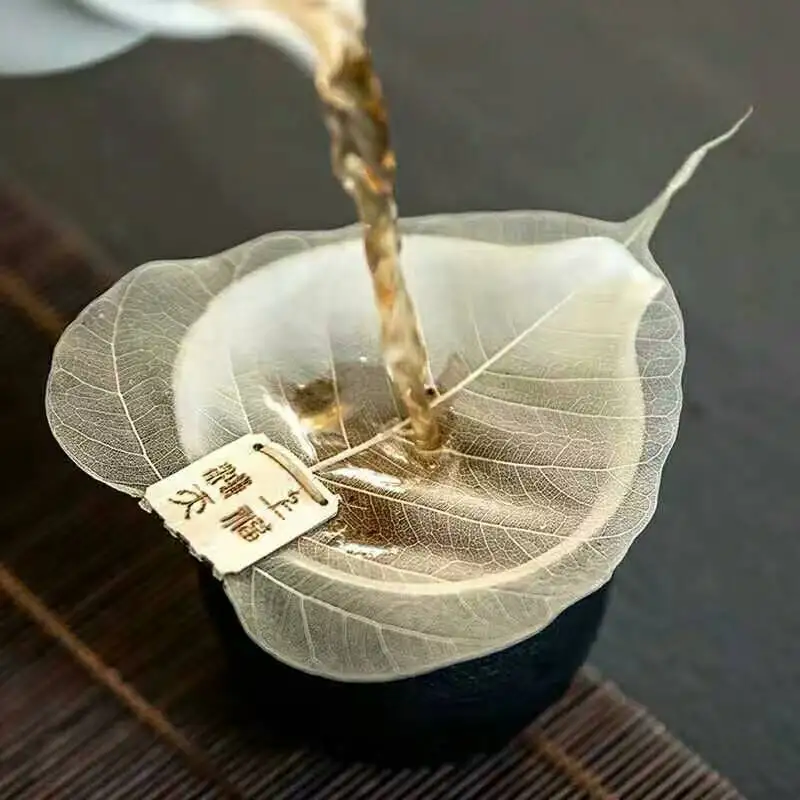
$5.99
Pure Bodhi Leaf Tea Filter Mesh Creative Personality Bookmarks Adornment Metope Hollow Out The Leaves A
aliexpress.com


$7.59
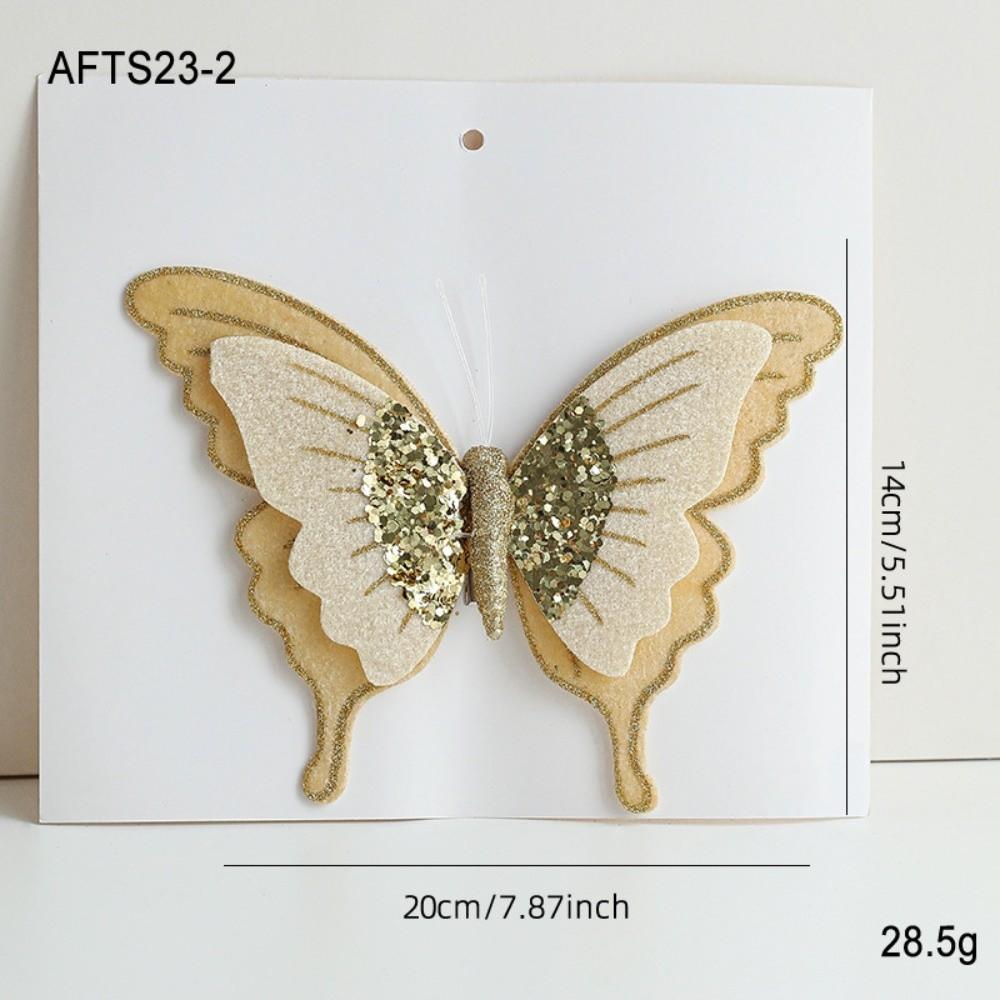
Flocking Artificial Christmas Tree Decoration Artificial Butterfly Christmas Tree золотой
joom.com
$9.01
Multifunction Wall Cutting Board Rack Wall Mounted Pan Cover Stand Cutting Board Holder Household белый
joom.com


$13.47
For Mercedes Benz Citan Paint Repair Pen Touch Scratch Remover DIY Auto Accessories Black White Silver Gray Blue Red
joom.com

$7.33
Консилер-карандаш с полным покрытием и естественным матовым финишем. Водостойкая тональная основа в виде карандаша для безупречной основы, эффективно скрывающей темные круги и недостатки. 01
joom.com
$8.28
Китайский настенный календарь 2026 год год Лошади год настенный календарь лунный месячный календарь для китайского Нового года дома B
joom.com
$7.90
Большой воздушный шар с цифрами на день рождения принцессы, розовые воздушные шары с бантом для девочек, новые шарики с цифрами на день рождения 5
joom.com

$32.51
Пустой Чайный Бокал из Старой Каменной Глины Чжай Позолоченный Серебром На Высокой Ножке Мастер-Чаша Бронзовая Глазурь Керамическая Чайная Посуда Чайные Чашки Японская Чашка Чайная Пиала
joom.com

