Modern Double Exposure Actions


Опис
Download these Photoshop actions to easily create stunning double exposure artwork. It uses artificial intelligence and face-detection to give you great results quickly. Simply put, these are the best and most advanced double exposure actions you'll find! Download and try them out today. See a Preview Photoshop Actions - --- Start Here --- - Step 1 - Step 2 - --- Double Exposure --- - Adjust Texture - Adjust Subject - Change Texture - --- Color Settings --- - Full Color - Full B&W - Hybrid 1 - Hybrid 2 - --- Skin Protection --- - Strength - 0% - Strength - 25% - Strength - 50% - Strength - 75% - Strength - 100% - Softness 1 - Softness 2 - Softness 3 - Softness 4 - Softness 5 - --- AI Mask --- - Enable/Disable AI Mask - Edit AI Mask - Save AI Mask - --- Tools --- - Tips - Test Document - Need Help? AI-Powered Actions - Create Double Exposures Quickly and Easily These actions guide you towards creating stunning double exposures. The artificial intelligence automatically finds your subject and separates it from the background. Editable and Organized Layers. Reposition the subject or texture at any time. The actions automatically update all your layers. The layers are also properly organized and color-coded making it easy to edit. Swap Textures Anytime Change the texture at any time without starting over. The "Change Texture" action lets you quickly pick the best texture for your photo. BONUS: 30 Free High-Res Textures Get started quickly with free textures that you can use for your double exposures. Stunning Results with Skin Protection The built-in skin protection makes faces more visible. It uses face-detection to detect your subject's skin tone. See the product images for an example! Intelligent Error Detection No more headaches! In Photoshop CC, these actions are so advanced that they can even detect and fix common document issues. Works with All Languages Many Photoshop actions will only run if Photoshop is set to English. These actions, however, work with ALL languages. You can use the actions without changing the language setting. For Best Results The photo of your main subject ex. a person , should be against a bright background. If you are using a photo with a darker background, you may notice hard edges between the subject and background. In this case, you can disable AI Mask or choose a darker background. - To disable the AI mask, play the "Enable/Disable AI Mask" action after creating your double exposure.. - To change the background color, double-click on the thumbnail of the "Background Fill" layer and choose a color. Artificial Intelligence Notes These actions use artificial intelligence to automatically mask out the main subject in your photo. It works with people, animals, food and most common objects. For best results, use a high-res photo with a simple or blurred background. For the face-detection to work, your photo needs to have a visible face preferably the front of the face . If no face is present, it'll try its best to select the skin tones based on common skin tones. Compatible With - Photoshop CC All Languages - Mac and Windows Updates August 4, 2019 - Fixed error with AI skin tone detection not working on some images.
Характеристики
| _GoogleCategoryID: | 5032 |
Графік зміни ціни & курс обміну валют
Користувачі також переглядали

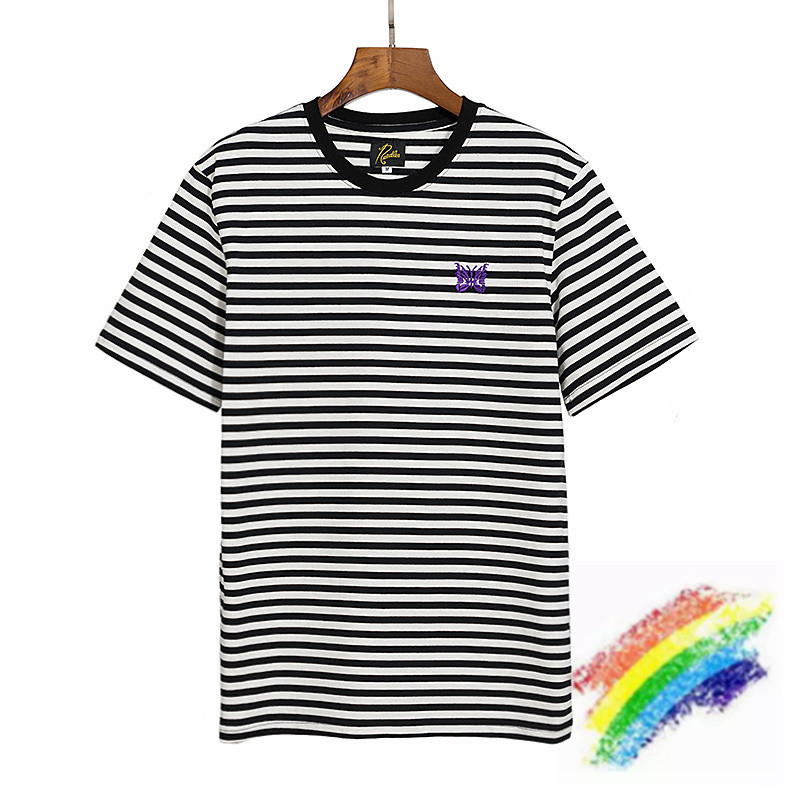
$27.31
Purple Embroidered T Shirt Men Women Black And White Stripes T-shirt Collar Tops Tee, White;black
dhgate.com
$7.65
Kyunovia Artificial Peony Bouquet Silk Rose Flower Bunch Peonies Bundle for Desk Office Home Wedding Furnishing Decoration KY111
aliexpress.com
$5.59
nordic dreamcatcher tapestry room decoration farmhouse decor handmade dreamcatcher macrame dreamcatcher gift for women men
aliexpress.com
$0.41
1 Bag Cuttlebone Cuttlefish Sepia Bone Cuttle Fish Bird Food Calcium Pickstone Pet
aliexpress.com
$24.36
new fashion waterproof wear resistant backpack casual backpacks girls personality versatile ph-cfy20061024
dhgate.com
$21.74
cute cartoon baby bibs with pocket waterproof infant eating children drawing long sleeve apron baby self feeding bibs clothes
dhgate.com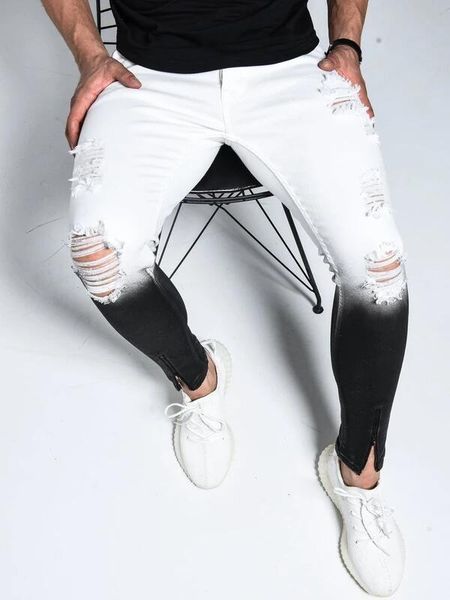
$27.42
mens jeans fashion 2020 spring summer new arrival gradient stretch jeans trousers zipper design white black casual pants s-3xl hot, Blue
dhgate.com
$244.60
women shoes sandals heels sandals slippers huaraches flip flops loafers shoe for slipper shoe02 pl244, Black
dhgate.com
$1.59
Vococal 1 Pair Replacement Foam Earphone Pads Cap Cushion for Sony MDR-V6 MDR-7506 MDR-CD900ST Mdr V6 V 6 7506 Cd900st gadgets
aliexpress.com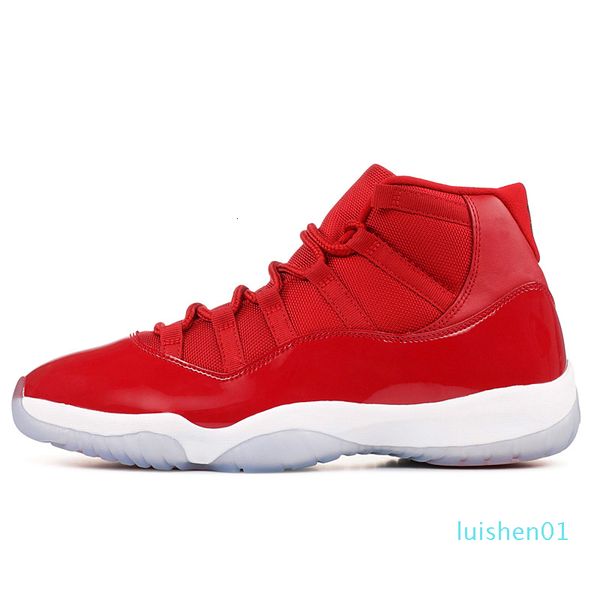
$67.99
2019 concord 11s men basketball shoes 11 snakeskin cap and gown orange trance navy gum women mens trainer outdoor sports sneakers 5.5-13 l1
dhgate.com
$210.00
Auto Running Boards For Land Rover Discovery 5 LR5 2017.2018 2019 Side Step Bar Pedals High Quality Nerf Bars Accessories
aliexpress.com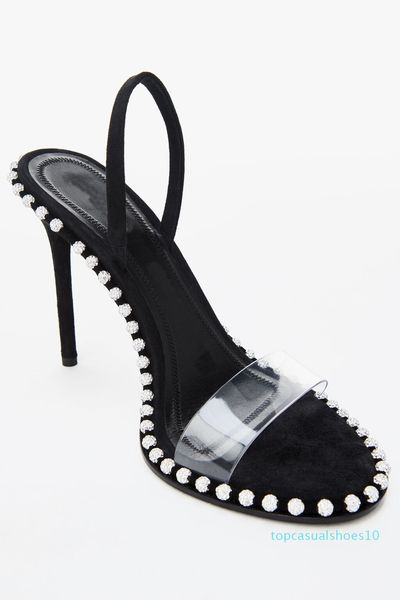
$73.12
nova crystal embellished sandal luxury designer sandals slingback 90mm high heels dress shoes size 34 to 40 tradingbear 10t, Black
dhgate.com

$3.15
Christmas Decorations Hanging Ornaments Tree Pendant Home Decor Xmas Wood Plaques
aliexpress.com
$8.48
Sawtooth Cake Comb Stainless Steel Cake Scraper Baking Pastry Spatulas Butter Cream Smoother Cake Decorating Tools Accessories
aliexpress.com
$6.63
BEMOST Auto Car Rear Windscreen Windshield Wiper Blade Arm Soft Natural Rubber For Kia Sorento Hatchback Year From 2003 To 2018
aliexpress.com
$2.39
2019 Spring Fashion Pet Clothing Cat Cotton Shirt Camouflage T-shirt Comfortable Puppy Clothes Small Dog Pullover Sweater XS - L
aliexpress.com
$1.64
DCTOP The Princess Sleep Here Wall Stickers For Children Kids Room Wall Decals Home Decor Wall Art Quote Bedroom Wallpaper
aliexpress.com
$5.35
4*18650 USB Power Bank Battery Charger Case DIY Box For iPhone For Smart Phone MP3 Electronic Mobile Charging Free Welding
aliexpress.com
$2.56
cycling glasses polarized photochromic UV sport 100% sunglasses 2019 men and women cycling sunglasses poc oculos ciclismo 30J25
aliexpress.com
$4.89
New Arrival Eyewear Glassess Women Men Retro Anti Glare Blue Rays Gaming Glasses Anti Glare Computer Glass Mirror Glasses
aliexpress.com
