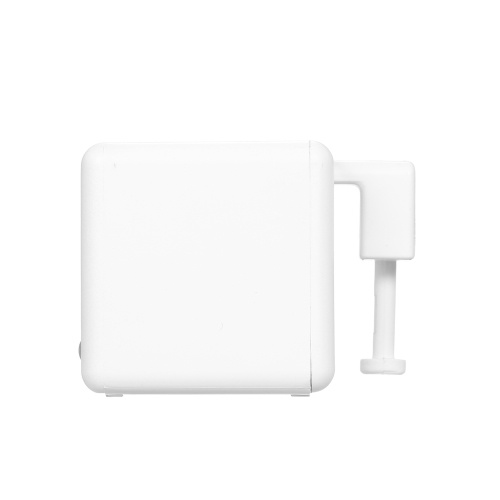
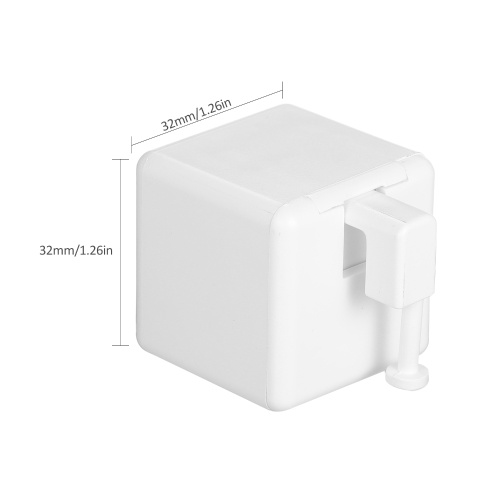
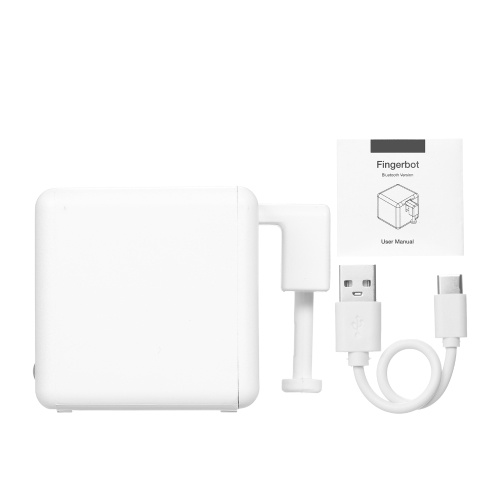
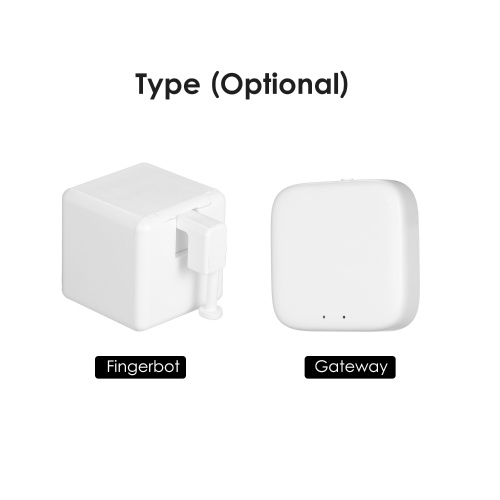
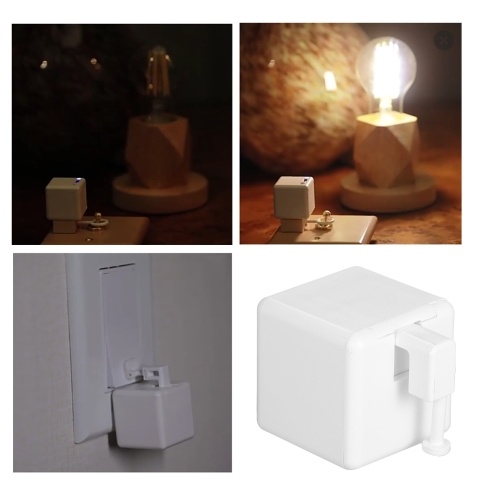
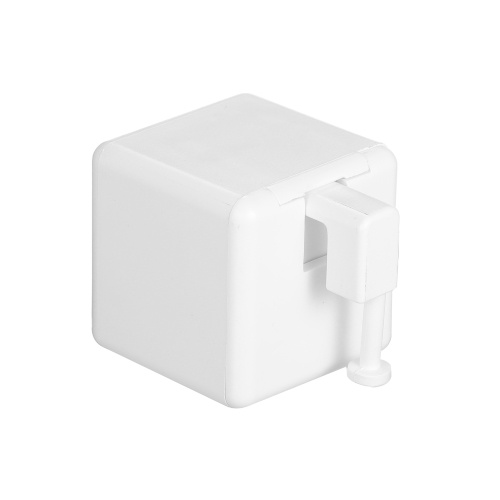
KKmoon Smart Wifi Mini-controller BT Home Automation Controller
TOMTOP
sku: E16008
ACCORDING TO OUR RECORDS THIS PRODUCT IS NOT AVAILABLE NOW
€ 26.99
Shipping from: China
Description
Features:
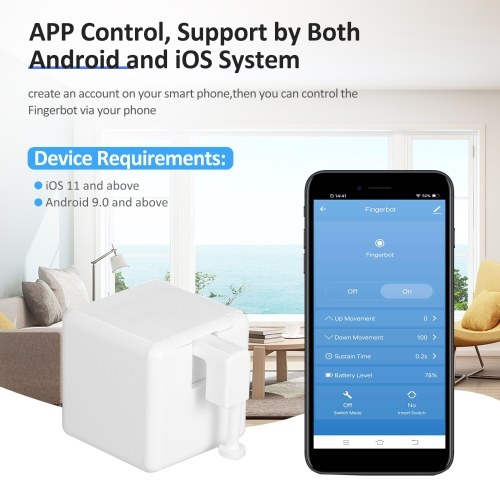
Smart Device Requirements: support by both Android(Android 9.0 and above) and iOS(iOS 11 and above) system.
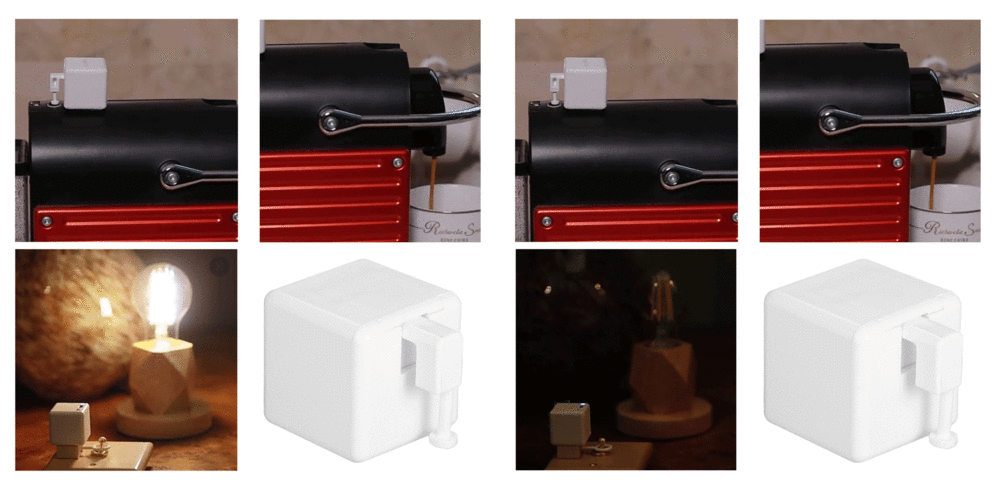
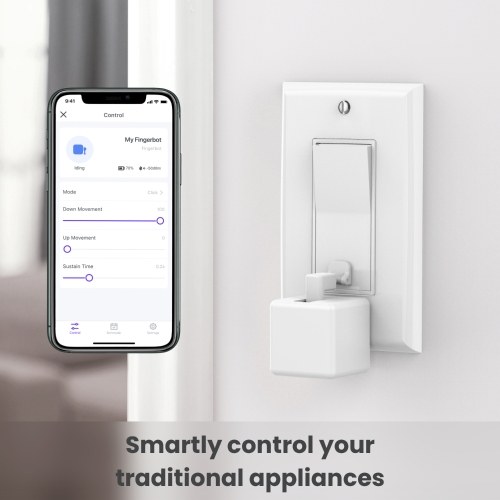
APP Control: create an account on your smart phone, then you can control the Fingerbot via BT wirelessly.
Voice Control: supports voice assistants such as Google Home and Alexa. You can set up voice commands in the APP to active voice-control function.
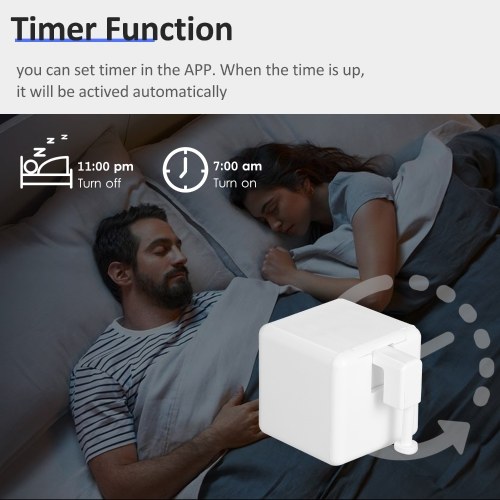
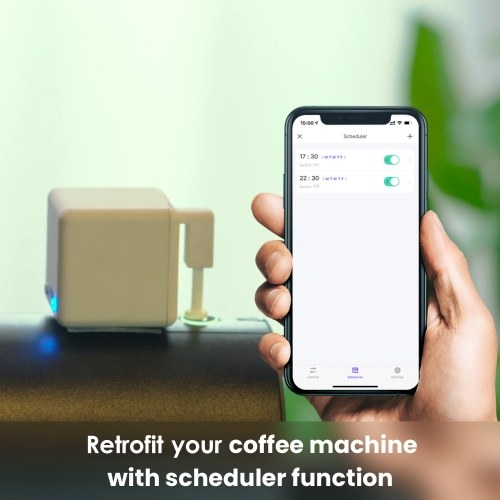
Timer Function: you can set timer in the APP. When the time is up, it will be actived automatically.
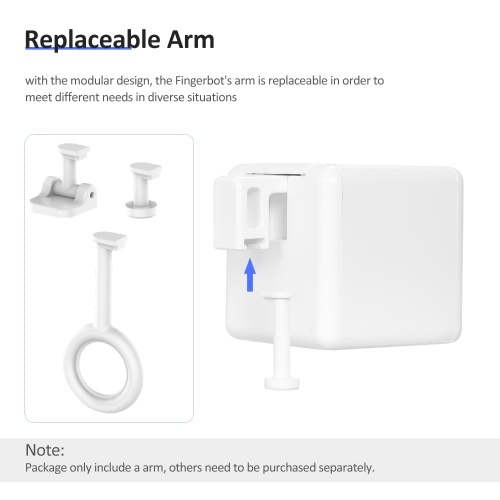
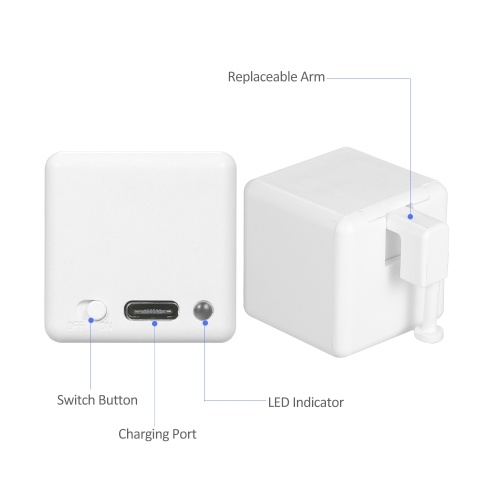
Replaceable Arm: with the modular design, the Fingerbot's arm is replaceable in order to meet different needs in diverse situations.
Device Installation:
To install your Fingerbot:
1. Clean the surface of the button panel where you want to install the Fingerbot.
2. Attach it to the panel using a double-sided tape provided in the Fingerbot package.
3. Connect your Fingerbot with the App and calibrate the movement of the Fingerbot's robotic arm to fit the button. The Down Movement parameter should be set to the value at which the Fingerbot's arm can just press the button. Note: Improper movement settings may bring additional resistance and reduce the life of your Fingerbot.
4. After installation, we recommend resting the device for 24 hours to reach maximum adhesion.
Smart Device Requirements: support by both Android(Android 9.0 and above) and iOS(iOS 11 and above) system.
APP Control: create an account on your smart phone, then you can control the Fingerbot via BT wirelessly.
Voice Control: supports voice assistants such as Google Home and Alexa. You can set up voice commands in the APP to active voice-control function.
Timer Function: you can set timer in the APP. When the time is up, it will be actived automatically.
Replaceable Arm: with the modular design, the Fingerbot's arm is replaceable in order to meet different needs in diverse situations.
Device Installation:
To install your Fingerbot:
1. Clean the surface of the button panel where you want to install the Fingerbot.
2. Attach it to the panel using a double-sided tape provided in the Fingerbot package.
3. Connect your Fingerbot with the App and calibrate the movement of the Fingerbot's robotic arm to fit the button. The Down Movement parameter should be set to the value at which the Fingerbot's arm can just press the button. Note: Improper movement settings may bring additional resistance and reduce the life of your Fingerbot.
4. After installation, we recommend resting the device for 24 hours to reach maximum adhesion.
Technical Details
| categoryName: | Test Instruments & Tools > Electrical Instrument > Other |
| OriginalPrice: | 36.99 |
| product_availability: | in stock |
| Warehouse: | CN |
Price history chart & currency exchange rate
Customers also viewed
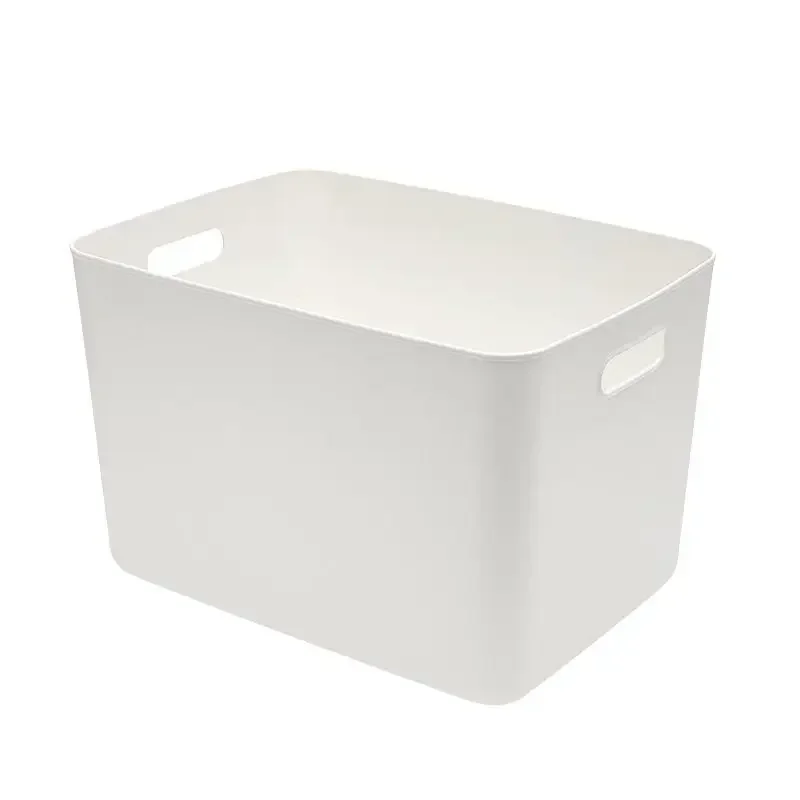
€ 47.75
Портативная пластиковая утолщенная Бытовая коробка для хранения и сортировки YY6367
aliexpress.ru
€ 22.79
10PCS~100PCS/LOT SST39SF010A-70-4C-NH SST39SF010A-70-4C-NHE PLCC-32 39SF010A-70-4C-NH 100% original authentic
aliexpress.com

€ 8.42
Карбюратор, набор для Ремонта Карбюратора wfybMCMM733, подходит для Suzuki Eiger LTF400LTF400F 2003 ‑ 2007
aliexpress.ru

€ 4.60
Cool Mint Leaf Herbal Tea Beauty Health Slimming Flower Tea Women Gift Wedding Decoration
aliexpress.com
€ 2.54
Бутылочки для хранения семян дыни, вакуумные, герметичные, прозрачные, для зерен, настольные, конфеты из ореха Органайзер, водонепроницаемы...
aliexpress.com


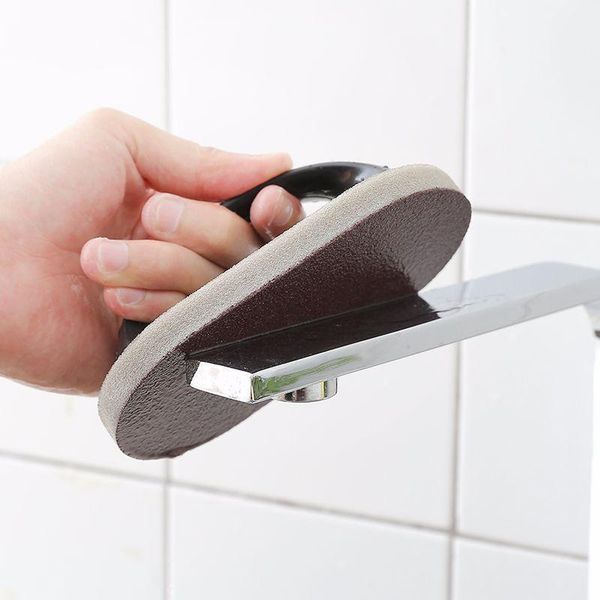
€ 6.93
ручка нано emery magic grounge magic gubge уборка кухни дезактивация чистящая кисть чаша стирки горшок h bbyxyi
dhgate.com
€ 7.60
bunvel Kids Baby Girls Boys Leopard Print Romper Long Sleeve Fashion Print Playsuit+Headband 2PCS pcs Outfits Jumpsuit Jumpers
aliexpress.com