Comics Creator


-.jpg?1&s=beb80d1c3e426bc3990300009b6e4a0d)


-.jpg?1&s=beb80d1c3e426bc3990300009b6e4a0d)


DGIM studio
sku: 3256594
ACCORDING TO OUR RECORDS THIS PRODUCT IS NOT AVAILABLE NOW
$39.00
Shipping from: United States
Description
Create designs in comics style in minutes! We glad to introduce you Comics creator. It's super fun to use and with just a few minutes you can create eye-catching designs! The Comics Creator is a superb design asset to have on hand to easily create any pop art style designs for your needs. You don't need to look for any additional objects to create your design. You can find ALL in one AI file! You can create a woman portrait with different Emotions, Gestures, Hairstyles, Clothes, Accessories. Use different color modes for the portrait. Add some ready comics elements like speech bubbles and objects in comics style Type text and apply graphics style to it. And of course, choose colorful background. And design is ready! REQUIRED SOFTWARE TO USE THIS ASSET: Adobe Illustrator CC ZIP archive contains: - AI base vector file for the Comics creator - EPS files for additional elements - Thumbnails in JPG format What included in the product: - 9 hand gestures - 3 accessories glasses, and retro glasses, earrings - 5 hairstyles with different color modes - 6 types of emotions: calm, surprised, smile, wink, laugh, scared - 4 types of clothing: t-shirts, shirt, dress - 12 backgrounds - 71 different elements in comics styles bubbles, explosions, mouth, alarm clock, fist, rocket, button, dynamite, bomb, hammer - 15 backgrounds - 24 text graphics styles Tutorial Please check the tutorial video how to use the Comics creator Or read the short instructions: For using the Comics creator, you should switch on some panels in Adobe illustrator. 1. Window Layers 2. Windows Symbols 3. Windows Transform For creating woman portrait, you just need to switch a few different layers with elements, using panel "Layers." For add, some speech bubbles or elements, drag and drops it from the "Symbols" panel to art-board. If you want to apply graphics styles for a text: - type the text - make the size of the text 100px - select the typed text - apply any graphics styles from the "Graphics styles" panel Attention: If you want to scale the text after applying graphics style without loss of quality, you must switch on scale strokes and effects" and "transform both" in the "Transform" panel. If you need any help, please be free to leave a comment or send me a message. CONTACTS: - Whatsapp / Viber / Telegram: 375296117607 - e-mail: custom@dgim-studio.com FOLLOW US: - Facebook: www.facebook.com/DGIMstudio - Instagram: www.instagram.com/DGIMstudio - Behance: www.behance.net/DGIMstudio - Dribbble: www.dribbble.com/DGIMstudio - Pinterest: www.pinterest.com/DGIMstudio
Technical Details
| _GoogleCategoryID: | 5032 |
Price history chart & currency exchange rate
Customers also viewed

$18.92
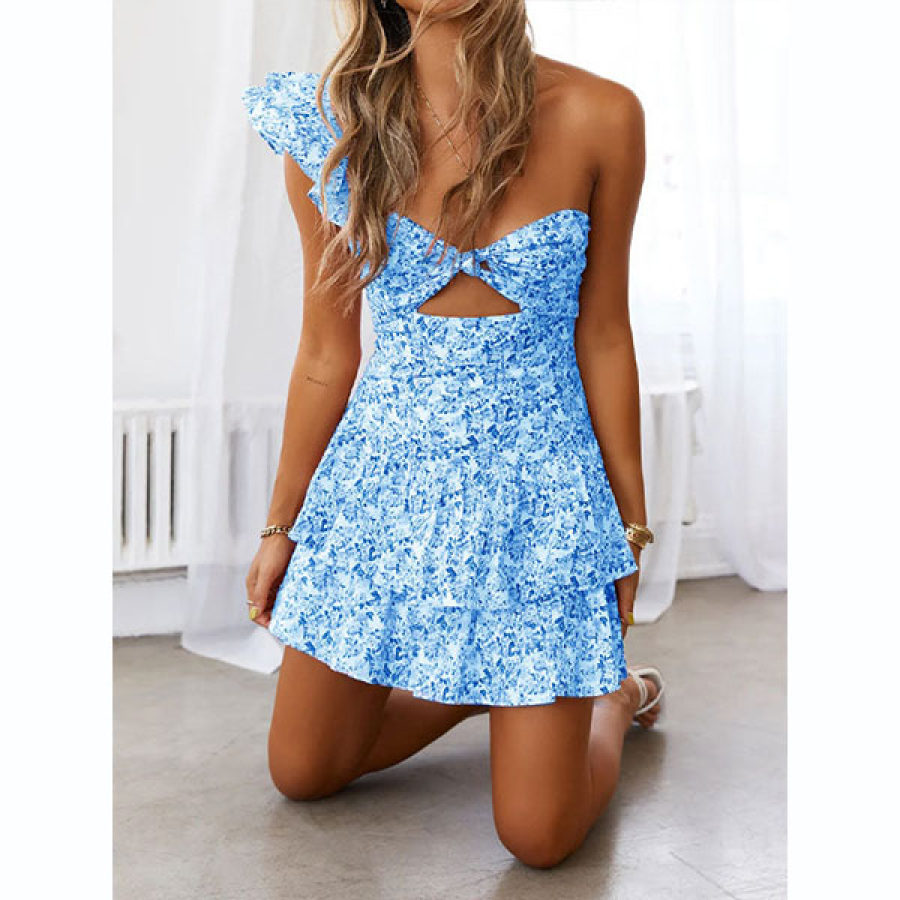
Summer Sexy Fashion Boho Halter Dress Women Casual Loose Backless Colorful Printed Spaghetti Strap Dress Beach Holiday Wear
aliexpress.ru
$15.40
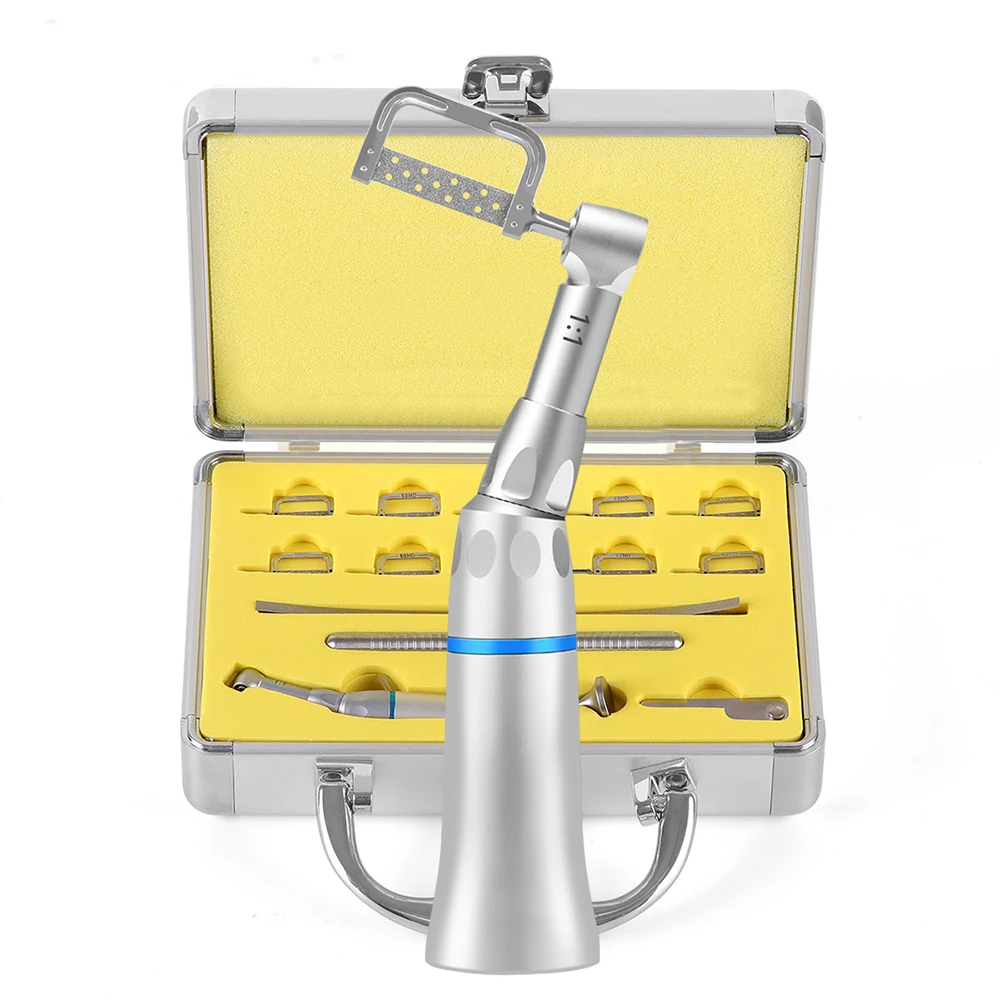
Dental 1:1 Contra Angle Reciprocating Interproximal Strip Handpiece E-Type Coupler Recoprocating Head Saw Blade Bur IPR System
aliexpress.com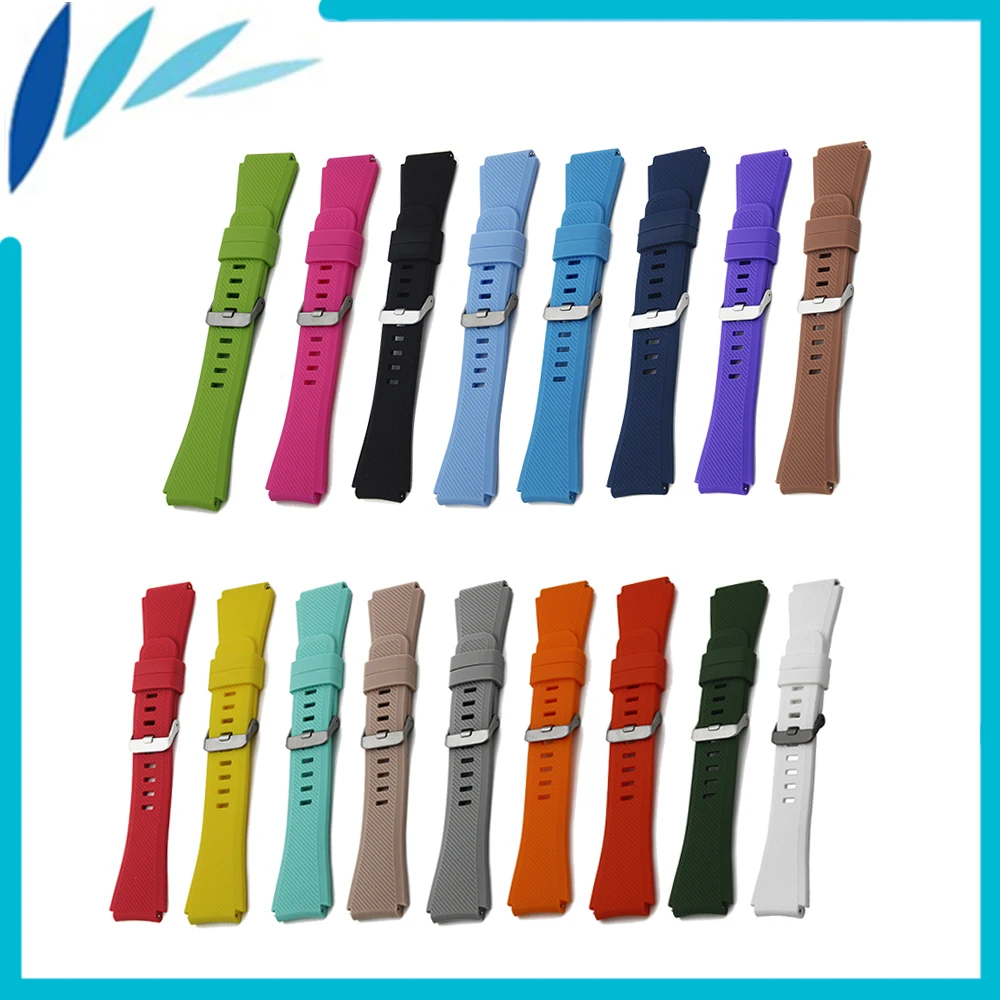
$11.10
Silicone Rubber Watch Band 22mm for Orient Stainless Steel Pin Clasp Strap Quick Release Wrist Loop Belt Bracelet Black White
aliexpress.com

$131.08
designer luxury the tote bag leather capacity versatile women mini medium small bags handbags multicolour fashion shoulder pursest 7a byvc
dhgate.com

$4.30
Fashion Anime Dragon Ball For Google Pixel 6 6a 6Pro 5 5a 4 4a XL 5G Black Soft Phone Case Silicone Cover Fundas Coque Capa
aliexpress.com
$23.21
Блендер измельчитель миксер Lexical профессиональный c кофемолкой 2 в 1, Мощность 600 Ватт Стальной
prom.ua


$4.08
Браслет Xuping на ногу 75115 длина 31 см ширина 2 мм вес 3.2 г позолота Белое Золото
rozetka.com.ua