Arduino L298N 2A Stepper Motor Drive Expansion Board DC Motor Drive Cart Drive


Arduino
sku: 1372556
ACCORDING TO OUR RECORDS THIS PRODUCT IS NOT AVAILABLE NOW
$9.99
Shipping from: China
Description
Features: Compared with other versions, the change is mainly to add more setting switches to meet the application requirements in different occasions, specially designed for Arduino. In terms of control principle, L298N and L293D are basically the same. They control the rotation direction of the motor through two direction pins respectively, and then control the rotation speed of the motor through the PWM signal on an enable pin. Specifically, on the expansion board, the direction pin of the motor MA is the pins 13 and 12 of the Arduino, and the speed pin is the pin 10 of the Arduino; the direction pin of the motor MB is the pins 11 and 8 of the Arduino. The speed pin is the 9th pin of the Arduino. In order to have a more intuitive understanding of the working state of the motor, four LEDs are added to the expansion board to indicate the direction of rotation of the motor. The brightness also indicates the speed of the motor, which is very convenient. Voltage : VLO (Voltage Logic Onboard) The motor driver chip L298N has two voltages during operation: logic voltage and motor voltage, where the logic voltage is 5V, which is generally less than the motor voltage (such as 7.2V, 9V or 12V). In order to be able to convert the motor voltage connected to the VEX terminal into a 5V logic voltage, a corresponding voltage conversion circuit is provided on the motor driver board. The operating voltage of the voltage conversion circuit is limited (less than 16V) so if the motor is larger than 16V, this voltage conversion circuit cannot be used. The role of the VLO switch is to select whether it is a logic conversion circuit that turns on (the switch is turned ON) or turns off (the switch is turned OFF). VLC (Voltage Logic Connected) The logic voltage on the L298N motor drive expansion board can be supplied by the voltage conversion circuit described above, or by directly connecting to the 5V logic voltage on the Arduino control board. The role of the VLC switch is to determine whether to connect the 5V logic voltage on the motor drive extension board to the 5V logic voltage on the Arduino control board: when the switch is in the ON position, when the switch is in the OFF position, connection. VM (Voltage Motor): The role of the VM is to select the motor voltage. When the L298N motor drive expansion board is connected to the Arduino, there are two ways to power the motor: through the Vin pin on the Arduino board (the switch is placed in VIN) and through the VEX terminal on the motor drive expansion board (the switch is placed in VEX) ). Reference: Compared with the Arduino, the current and voltage carried by the L298N motor drive expansion board are relatively high, so pay special attention to the connection during the use. Here are some typical circuit connections for everyone to use. 1. Motor voltage is 6~12V In general, the Arduino can be powered by an external 6V-12V transformer (Vin pin on the Arduino). If your motor voltage is within this range, you can use this external power supply for both Arduino and The motor is powered. In this case, the settings for VLO, VLC, and VM are: VLO: OFF, no voltage conversion circuit on the motor drive expansion board is required VLC: ON, connected to the 5V pin of the Arduino to provide logic voltage for the motor drive expansion board VM: VIN, connected to the Vin pin of the Arduino to provide motor voltage for the motor drive expansion board 2. The motor voltage is less than 6V In this case, the motor can be powered only by the GND and VEX terminals on the motor drive expansion board. At this time, the 5V logic voltage conversion circuit on the motor drive expansion board cannot work normally (the VEX voltage is too low) so we only Can be connected to the 5V pin on the Arduino board to provide 5V logic voltage for the motor drive expansion board. In this case, the motor drive expansion board is set to: VLO: OFF, no voltage conversion circuit on the motor drive expansion board is required VLC: ON, connected to the 5V pin of the Arduino to provide 5V logic voltage for the motor drive expansion board VM: VEX, the drive voltage is supplied to the motor through the VEX/GND terminal on the motor drive expansion board. 3. The motor voltage is 12V-15V In this case, the motor can be powered only by the GND and VEX terminals on the motor drive expansion board. At this time, the 5V logic voltage conversion circuit on the motor drive expansion board can work normally. In this case, the motor drive expansion board is set to: VLO: ON, requires a voltage conversion circuit on the motor drive expansion board VLC: OFF, not connected to the 5V pin of the Arduino, safely isolated VM: VEX, the drive voltage is supplied to the motor through the VEX/GND terminal on the motor drive expansion board. In the above settings, because VLC does not connect the 5V pin of Arduino with the 5V logic voltage on the motor expansion board, we still need to supply additional power for the Arduino (via USB cable or external power supply) mainly for safety isolation. Consider, especially if the voltage on VEX is relatively high. 4. Motor voltage is 15V-46V In this case, the motor can be powered only by the GND and VEX terminals on the motor drive expansion board. At this time, the 5V logic voltage conversion circuit on the motor drive expansion board cannot work normally (the VEX voltage is too low). In this case, the motor drive expansion board is set to: VLO: OFF, no voltage conversion circuit on the motor drive expansion board is required VLC: ON, connected to the 5V pin of the Arduino to provide 5V logic voltage for the motor drive expansion board VM: VEX, the drive voltage is supplied to the motor through the VEX/GND terminal on the motor drive expansion board. Package Included: 1 x Motor Drive Expansion Board
Price history chart & currency exchange rate
Customers also viewed


$31.03
Датчик давления в шинах TPMS 433 МГц, 4 шт., подходит для BMW G30, G31, G38, F90, G32, G11, G12, G01, G02, G05 36106872774
aliexpress.ru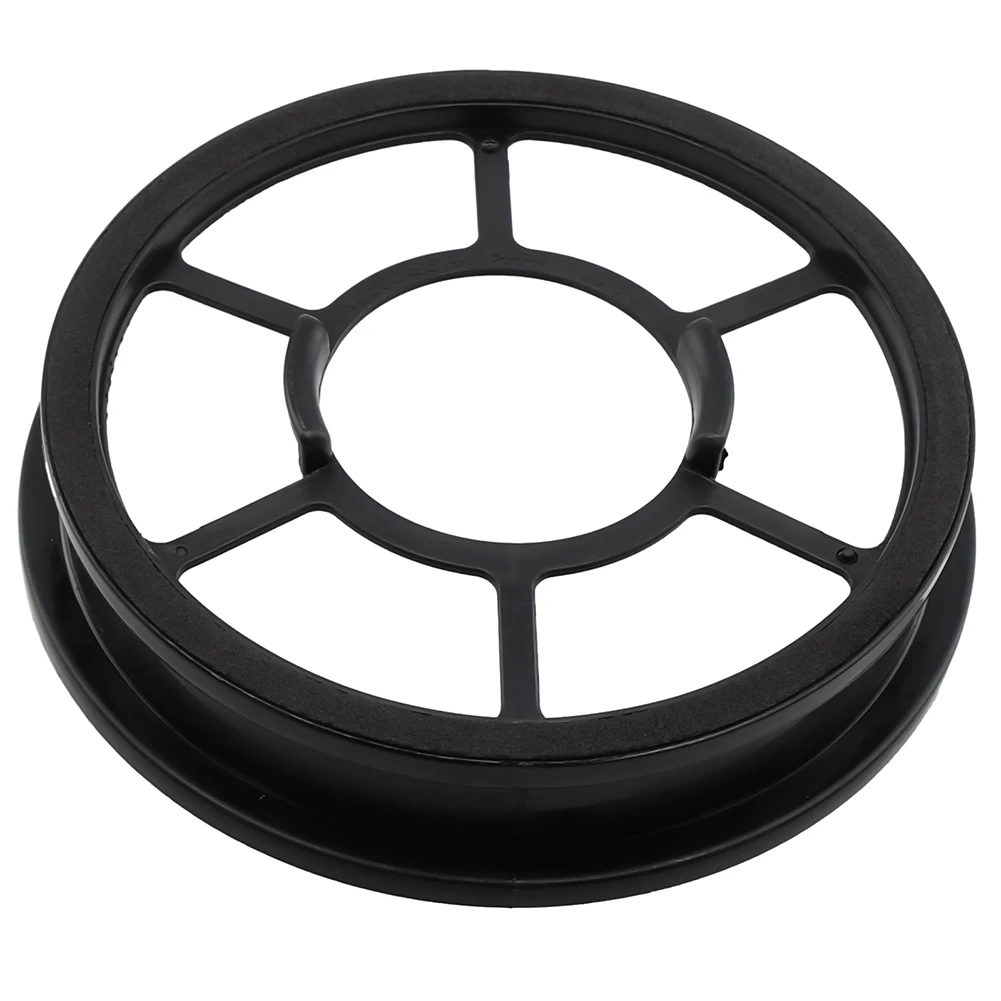
$2.20
Vacuum Filter For Hoover Essential 3110&3111 For Wertheim W2200 Upright Bagless Vacuum Cleaner Filter Vacuum Cleaner Accessories
aliexpress.ru
$103.39
CUESOUL SPOKES, 20 г, набор дротиков из 90% вольфрама с мягким наконечником и полетами для дротиков Rost AK57
aliexpress.ru
$10.01
Простой домашний костюм, весна-зима, мягкий повседневный пуловер с круглым вырезом, топы + вязаные брюки, комплекты домашней одежды, пижамы, однотонный женский комплект из двух предметов
aliexpress.ru
$14.70
1/10 комплекты моделей бюста из смолы, фигурка бесцветная и самособранная (специальное предложение) A-1830
aliexpress.ru
$2,404.28
Круглый магнитный подъемник пластин, постоянный магнитный подъемник, магнит, электромагнит для крана
aliexpress.ru


$19.95
jackets spring autumn girls double sided coat soft warm born baby boys fashion plaid outwear for infant kids clothes, Blue;gray
dhgate.com
$13.45
3d обои для стен в рулонах, космос, звездное небо, планета, космический корабль, астронавт, фотообои на стену, 3d домашний декор
aliexpress.ru
$19.47
Модные вместительные сумки на плечо, женские сумки с верхними ручками, Повседневная дорожная сумка через плечо, женские сумки, роскошная ди...
aliexpress.ru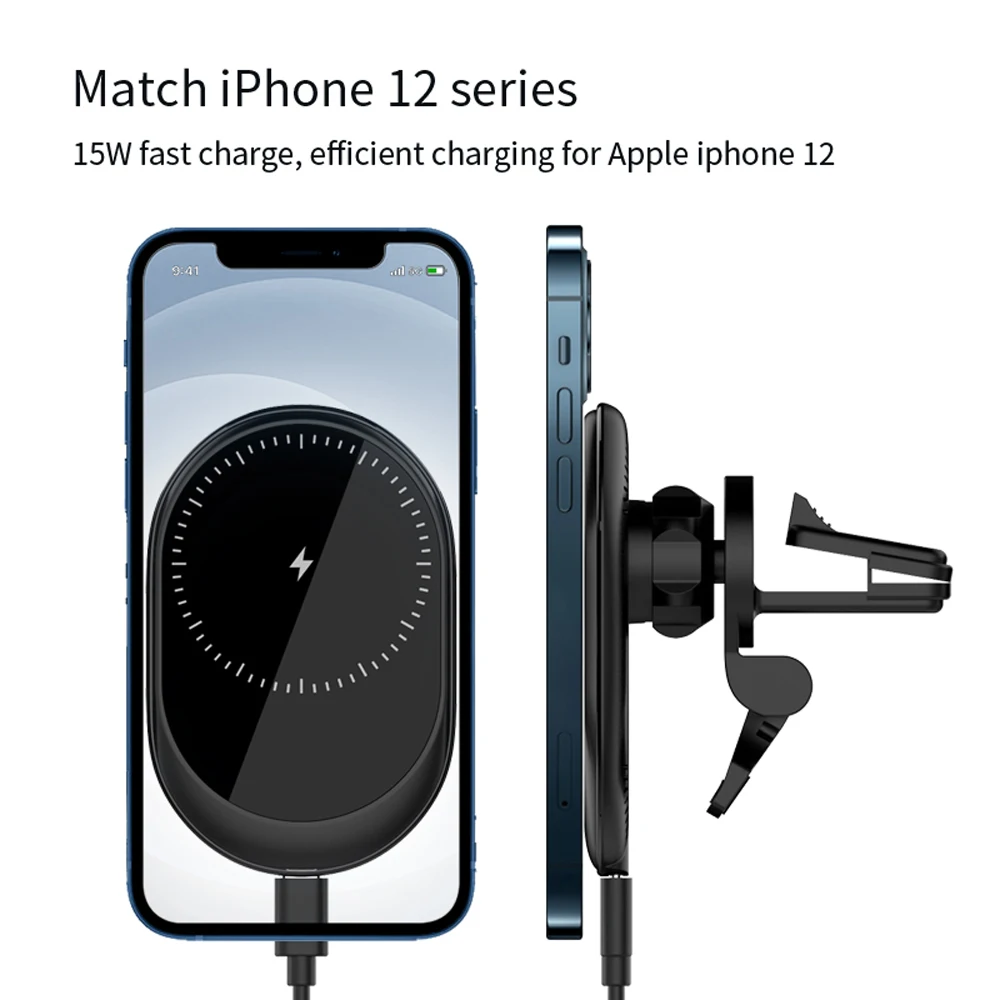
$14.30
Прищепка для беспроводной зарядки Qi, быстрое автомобильное зарядное устройство, док-станция для iPhone, Samsung, Xiaomi
aliexpress.ru
$4.72
Женское полотенце из микрофибры с кроличьими ушками, быстросохнущая шапка для сушки волос, бандана, головной платок, инструмент для ванны
aliexpress.ru


$21.05
Искусственный цветок глицинии/искусственный цветок/цветок decration/Шелковый цветок bean flower для украшения гостиной (70 см)
aliexpress.ru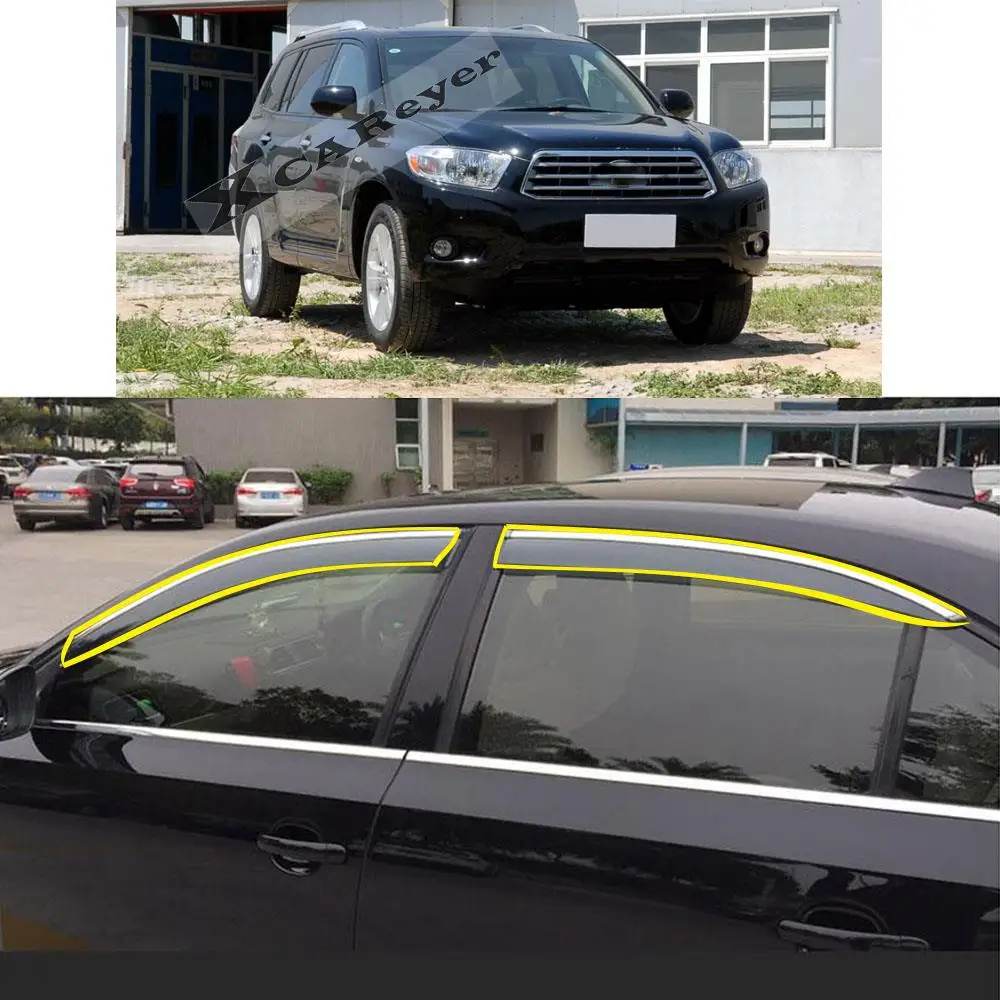
$68.89
Автомобильная наклейка, пластиковое защитное стекло на окно, ветрозащитный козырек, защита от дождя/солнца, навесы на вентиляционное отвер...
aliexpress.ru
$11.41
baby rompers girls one piece clothing kids clothes summer sleeveless bow cartoon love jumpsuit newborn bodysuits dress onesies toddler wear, Blue
dhgate.com
$4.11
gift wrap 1pcs xmas party bag plastic bags cute deer tree box candy merry christmas cookies package for year1
dhgate.com
$11.70
clothes hanger organizer space saving hanger multi-function folding magic hangers drying racks clothes punch-storage rack
dhgate.com
$16.91
Японские осенне-зимние новые парные брюки пижамы мужские и женские домашние брюки однотонные фланелевые теплые утепленные брюки
aliexpress.ru

$2.13
Резиновая щетка для удаления ворса, практичная Водонепроницаемая Отличная ручная Бритва для ворса
aliexpress.ru
$4.58
Коврики для вышивания и резки Pinkman, Двусторонняя доска для гравировки и разделки, коврик для гравировки ручной работы «сделай сам», ручные и...
aliexpress.ru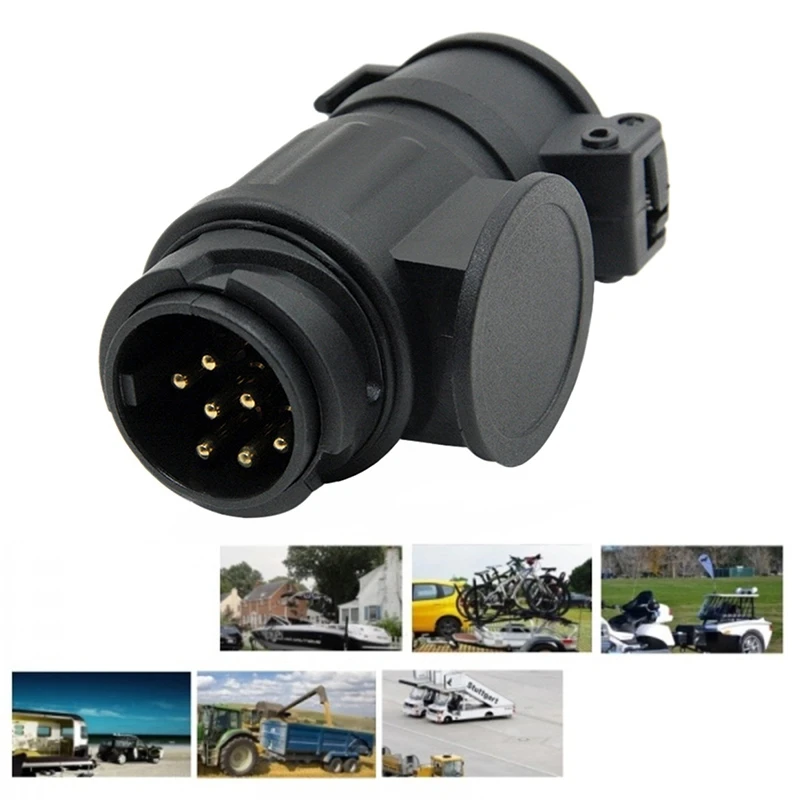
$5.36
Переходник для прицепа, адаптер с 13 на 7 штырьков для буксировочного прицепа, переходник для прицепа, адаптер для трейлера, фургона, лодки, ав...
aliexpress.ru
$27.00
tropical style palm tree tank men 3d print sunset at dusk beach vest summer couple t casual sleeveless, White;black
dhgate.com
$1.46
Оригинальный новый 100% импортный BR-12C перекидной переключатель BR-12C-11L 5A 250VAC 10A 125VAC 2pin
aliexpress.ru
$7.72
Для WPL C14 C24 C24-1 металла моделирование Защита от солнца на заднее стекло авто сетка защитная 1/16 RC автомобилей Обновление Запчасти аксессуары
aliexpress.ru

$90.88
75% off factory outlet sale summer new geometric pattern square open toe high slippers women one strap slides solid color leather mid heel s, Black
dhgate.com
$12.80
bracelet Golden year of life mouse blessing word happy gourd bracelet female handpiece net red minority Valentine's Day, Golden;silver
dhgate.com

