39 Owl Photo Overlays


PhotoEffects.Store
sku: 3909270
ACCORDING TO OUR RECORDS THIS PRODUCT IS NOT AVAILABLE NOW
$9.00
Shipping from: United States
Description
Shop it first! ENTIRE Store Bundle. Free Updates Forever: --- DETAILS & SPECIFICATIONS of 39 Owl Photo Overlays set: - 39 PNG files - Width Up to 400 px of a long edge. Maximum is 1870x2640 px px - High resolution ready to print 300dpi Finish purchasing and make perfect photos to customers! PLEASE NOTE 1. After complete downloading the archive '040-ADV. 39 Owl Photo Overlays.zip' will be downloaded to the Downloads' folder or the one you selected. 2. Unzip the archive into a folder. Do not be discouraged if the folder images with a black background. There is a Screen Blend Mode that allows you to remove the black background by displaying only objects in Photoshop. 3. Open Photoshop, open an image that you will apply and follow one of the ways below. PLEASE LET ME KNOW IF YOU HAVE ANY QUESTIONS. ontact me at support@photoeffects.store INSTRUCTIONS There are 3 ways to apply photo overlays: 1st - using Overlay Actions include 2nd - using Quickstart PSD course include only in PRO version 3rd - standard, Drag'n'Drop method 1ST WAY: OVERLAYS ACTION This method is more progressive because it allows you to quickly apply overlays from any folder, even from other sellers. In the settings of the action, you can set the hotkey F3 for example so that in one click you call this action 1. Double-click on the 'Overlay Actions.atn' file to load it into Photoshop. Once installed, please access the Actions panel within Photoshop by clicking on 'Window Actions'. There are 2 actions: JPEG and PNG Overlays. The difference between Overlay Action JPEG and Overlay Action PNG is that JPEG applies the Screen Blend Mode. 2. Find Overlays Action' and press Play action what you need. 3. Photoshop dialogue box opens and prompts you to select the file. Click Continue' and find the folder you unzipped and select the image you like. This image will immediately get into your Photoshop file where the photo is open. 4. Scale, rotate or reflect the overlay if you want 5. Press Cmd Ctrl Enter and the action will create a layer mask and two adjustment layers. If necessary, apply a black brush on the layer mask to hide the image where necessary, and in the correction layers, adjust the colour or Levels so that the overlay looks appropriate for the photo. 6. Save the image and show your customers, they will be pleasantly surprised by the result 2ND WAY: Quickstart PSD COURSE This method allows you to work in a photoshop file, where you can select the overlay you like, making the layer visible. This is convenient because you can see it in the thumbnails of the layers of the image, but it's inconvenient that in some versions of Photoshop the file may not open properly. This function is optional and is supplied as is. 3RD WAY: DRAG'N'DROP 3.1 Drag from the folder any image and place it in a Photoshop file. For images with a black background, apply the Screen Blend Mode. To change the blend mode, double-click on the layer, the layer styles window will open. Change the blending mode and proceed to the next step. For overlays with a transparent background, you do not need to do anything. 3.2 Scale, transform, lower the opacity or add a Layer Mask and Paint on Your Overlay if necessary. SOMETHING MORE - Compatible with any software which works with layers Photoshop CS5 , Photoshop Elements, Paint Shop Pro, etc. - Not for Further Distribution - This listing is a digital download. No physical product will be shipped - Copyright Notice: All copyrights and trademarks of the trademarked ideas and photos being used belong to their respective owners and are not being sold, they are provided to you for free. This item is not a licensed product and I do not claim ownership over the trademarked ideas used.
Technical Details
| _GoogleCategoryID: | 5032 |
Price history chart & currency exchange rate
Customers also viewed
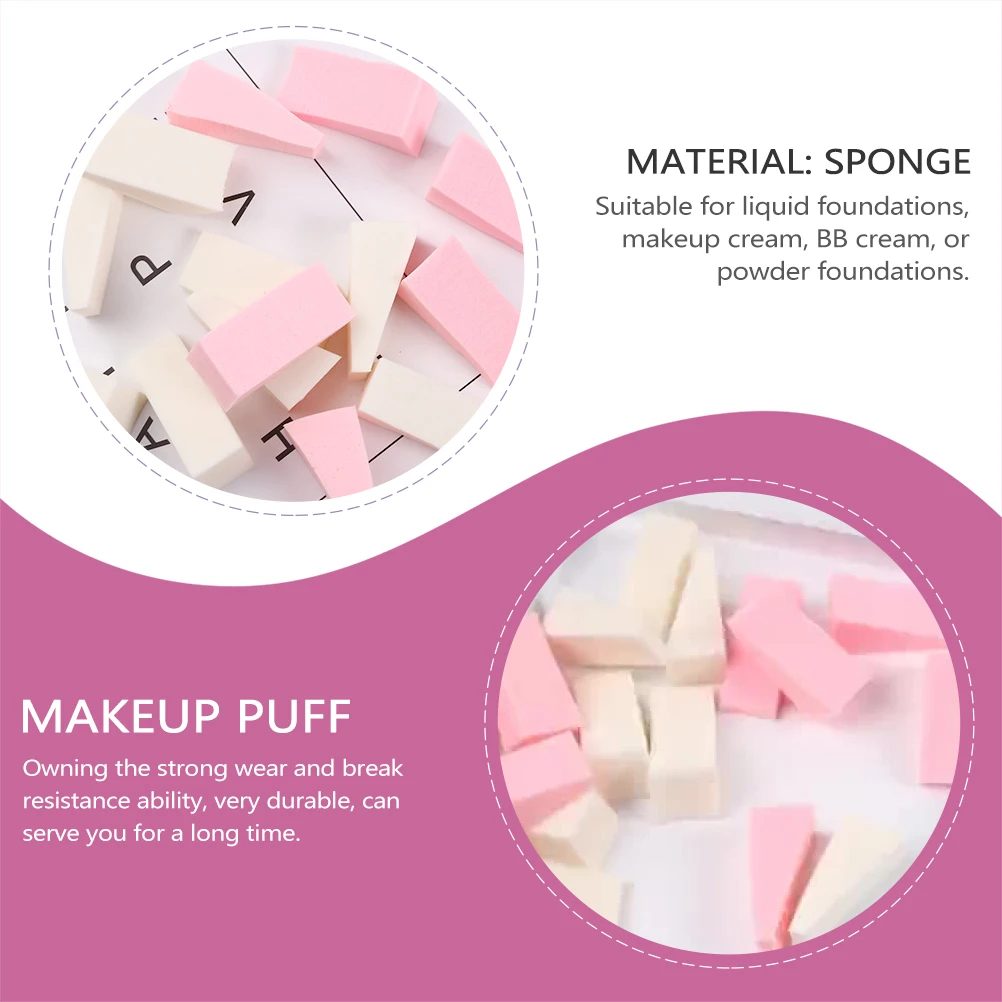
$1.40
30 Pcs Makeup Puff Beauty Cotton Powder Geometrical Sponges Small Mini Triangle Pads
aliexpress.ru
$26.44
4 шт. 1,9 металлический обод ступицы колеса Beadlock для 1/10 RC Crawler Axial SCX10 90046 AXI03007 Traxxas TRX4 RedCat D90, оранжевый
aliexpress.ru
$19.65
14.4V 6800mAh Replacement Battery for Conga Excellent 990 1090 1790 1990 Deebot N79S N79 DN622 Robovac 11 Tesvor X500
aliexpress.ru
$0.83
1 Sheet Flower Sticker For Nail 3D Simple Elegant Florals Flowers Design Back Glue Decal DIY Tips Manicure Slider Decoration GJ3
aliexpress.ru
$3.92
1 Seal+1Ink+1 Packaging Box Addition Subtraction Teaching Seal Students Up To 100 Addition Subtraction Rolling Practice Seals
aliexpress.com

$34.95
DN15 DN20 DN25 3-ходовой 220 в 12 В 24 В 2-проводной латунный Электрический шаровой клапан нормально закрытый/открытый моторизованный шаровой клапан
aliexpress.ru
$3.55
Cartoon Dollar Alec Monopoly Glass Phone Cover For iPhone 11 12 13 14 Pro Max X XR XSMax 14Plus 13Mini Pink Tempered bumper Case
aliexpress.ru


$22.00
Бесплатная доставка, 10 шт./лот, Рабочая Собака K9, обработчик, военный вызов, монета/красный
aliexpress.ru
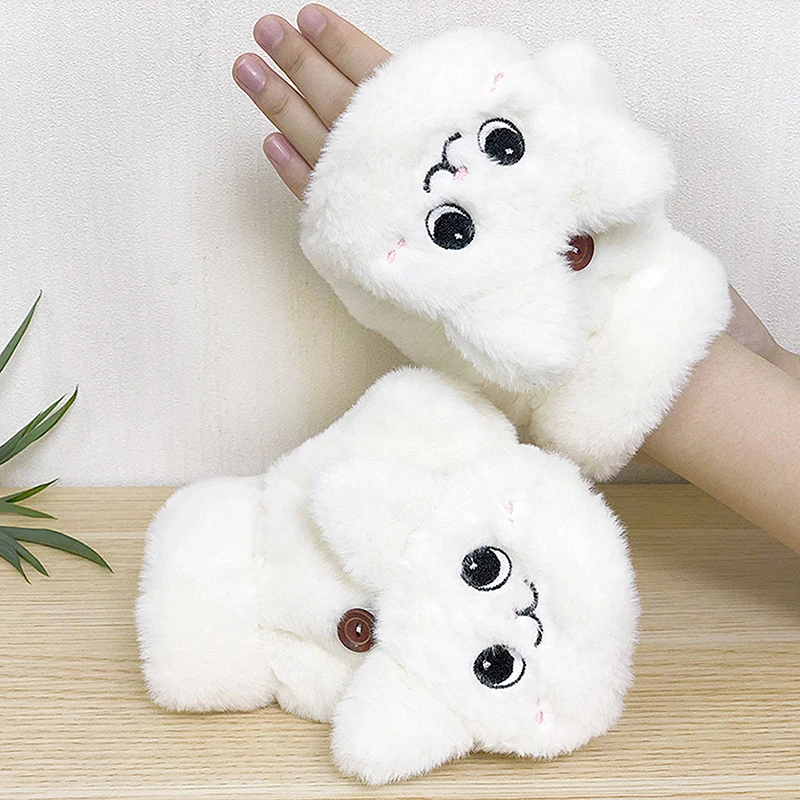
$7.43
Женские зимние меховые варежки из кроличьего меха, перчатки без пальцев, плюшевые теплые перчатки, зимние Мягкие плотные перчатки для женщи...
aliexpress.ru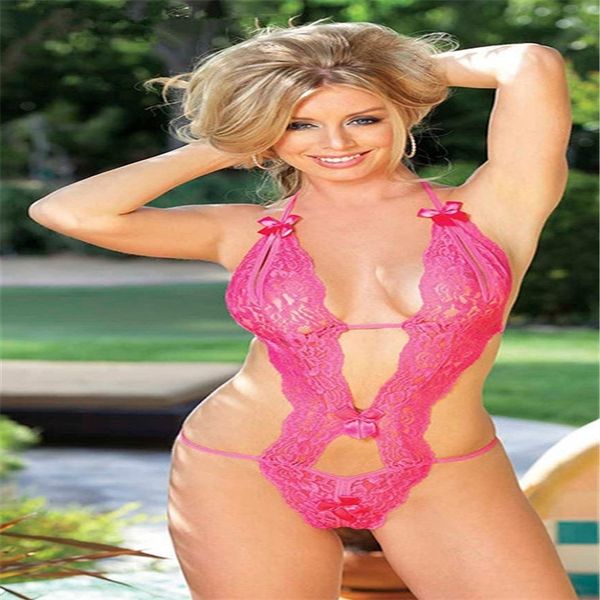
$4.94
8GOP three point one-piece lace pajamas sexy womens underwear underwear with lace open bras crotch and dew on sexy pajamas, Red;black
dhgate.com


$12.18
Детский Матрас кокос - поролон - гречка - поликоттон №2 - "Микки Маус и велосипед" 16030 цвет синий ТМ
prom.ua


