39 Owl Photo Overlays


PhotoEffects.Store
sku: 3909270
ACCORDING TO OUR RECORDS THIS PRODUCT IS NOT AVAILABLE NOW
$9.00
Shipping from: United States
Description
Shop it first! ENTIRE Store Bundle. Free Updates Forever: --- DETAILS & SPECIFICATIONS of 39 Owl Photo Overlays set: - 39 PNG files - Width Up to 400 px of a long edge. Maximum is 1870x2640 px px - High resolution ready to print 300dpi Finish purchasing and make perfect photos to customers! PLEASE NOTE 1. After complete downloading the archive '040-ADV. 39 Owl Photo Overlays.zip' will be downloaded to the Downloads' folder or the one you selected. 2. Unzip the archive into a folder. Do not be discouraged if the folder images with a black background. There is a Screen Blend Mode that allows you to remove the black background by displaying only objects in Photoshop. 3. Open Photoshop, open an image that you will apply and follow one of the ways below. PLEASE LET ME KNOW IF YOU HAVE ANY QUESTIONS. ontact me at support@photoeffects.store INSTRUCTIONS There are 3 ways to apply photo overlays: 1st - using Overlay Actions include 2nd - using Quickstart PSD course include only in PRO version 3rd - standard, Drag'n'Drop method 1ST WAY: OVERLAYS ACTION This method is more progressive because it allows you to quickly apply overlays from any folder, even from other sellers. In the settings of the action, you can set the hotkey F3 for example so that in one click you call this action 1. Double-click on the 'Overlay Actions.atn' file to load it into Photoshop. Once installed, please access the Actions panel within Photoshop by clicking on 'Window Actions'. There are 2 actions: JPEG and PNG Overlays. The difference between Overlay Action JPEG and Overlay Action PNG is that JPEG applies the Screen Blend Mode. 2. Find Overlays Action' and press Play action what you need. 3. Photoshop dialogue box opens and prompts you to select the file. Click Continue' and find the folder you unzipped and select the image you like. This image will immediately get into your Photoshop file where the photo is open. 4. Scale, rotate or reflect the overlay if you want 5. Press Cmd Ctrl Enter and the action will create a layer mask and two adjustment layers. If necessary, apply a black brush on the layer mask to hide the image where necessary, and in the correction layers, adjust the colour or Levels so that the overlay looks appropriate for the photo. 6. Save the image and show your customers, they will be pleasantly surprised by the result 2ND WAY: Quickstart PSD COURSE This method allows you to work in a photoshop file, where you can select the overlay you like, making the layer visible. This is convenient because you can see it in the thumbnails of the layers of the image, but it's inconvenient that in some versions of Photoshop the file may not open properly. This function is optional and is supplied as is. 3RD WAY: DRAG'N'DROP 3.1 Drag from the folder any image and place it in a Photoshop file. For images with a black background, apply the Screen Blend Mode. To change the blend mode, double-click on the layer, the layer styles window will open. Change the blending mode and proceed to the next step. For overlays with a transparent background, you do not need to do anything. 3.2 Scale, transform, lower the opacity or add a Layer Mask and Paint on Your Overlay if necessary. SOMETHING MORE - Compatible with any software which works with layers Photoshop CS5 , Photoshop Elements, Paint Shop Pro, etc. - Not for Further Distribution - This listing is a digital download. No physical product will be shipped - Copyright Notice: All copyrights and trademarks of the trademarked ideas and photos being used belong to their respective owners and are not being sold, they are provided to you for free. This item is not a licensed product and I do not claim ownership over the trademarked ideas used.
Technical Details
| _GoogleCategoryID: | 5032 |
Price history chart & currency exchange rate
Customers also viewed
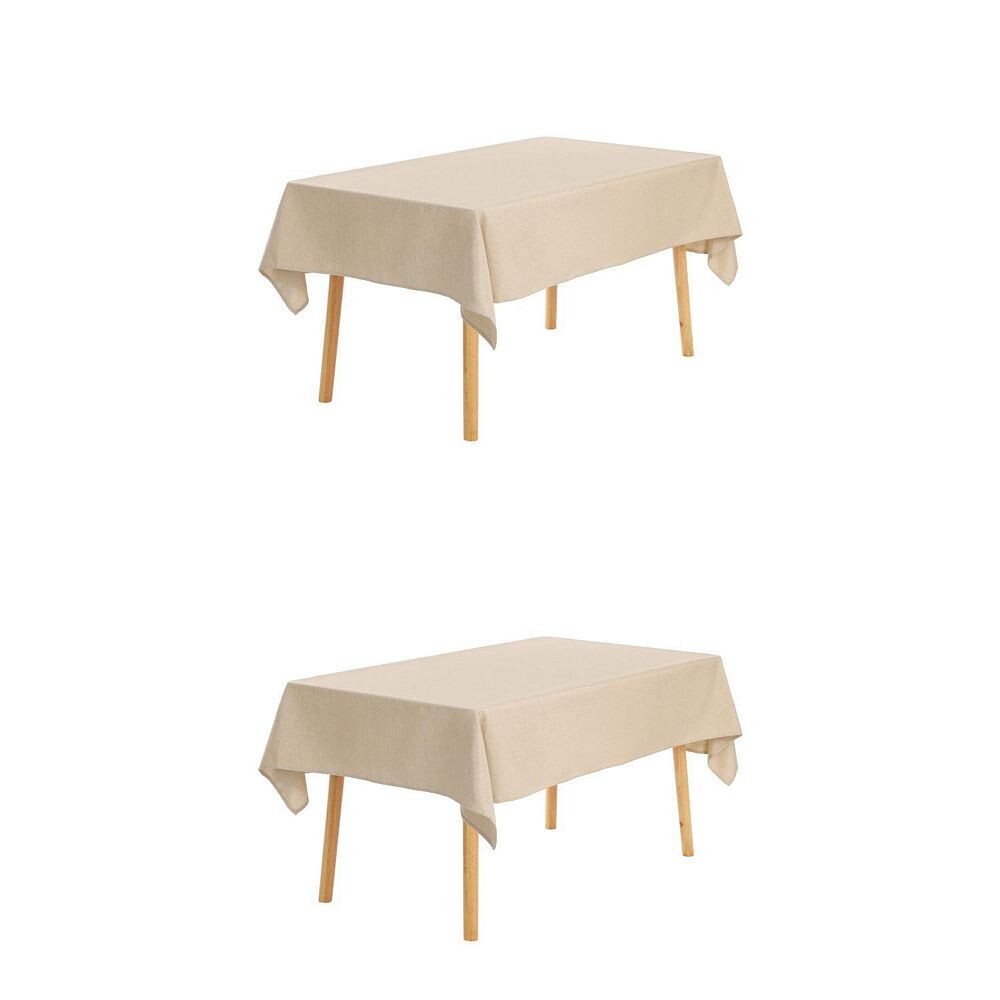
$266.14
Прямоугольная водонепроницаемая скатерть с защитой от пятен и морщин, 2 упаковки для столовой, 51 х 71 дюйм Unique Bargains, бежевый
cdek.shopping
$134.73
Большая декоративная подушка из искусственной овчины в клетку Cuddl Duds с вырезами, красный
cdek.shopping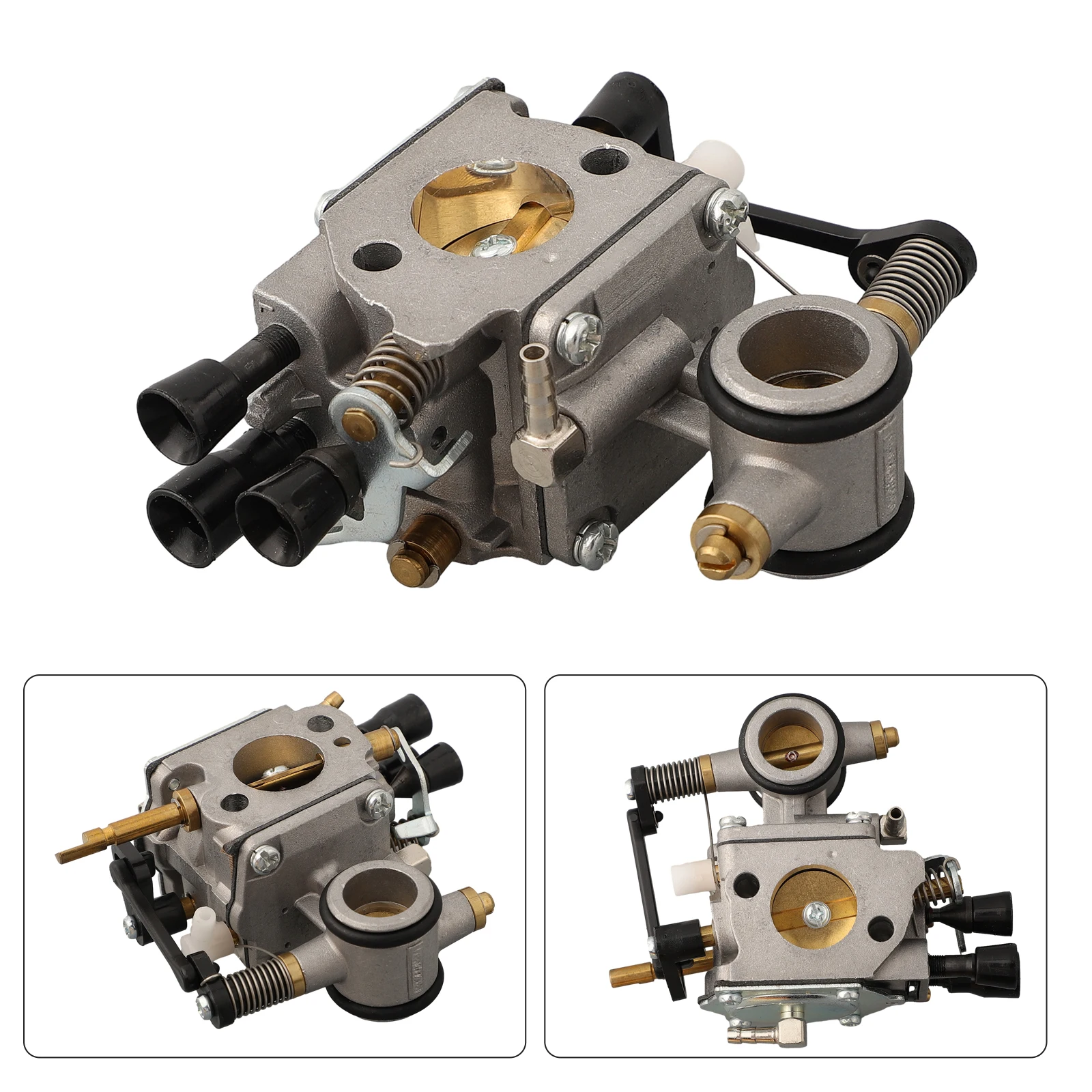
$31.65
1 комплект 4224-120-0651 HS314 WJ114 карбюратор воздушный фильтр для TS700 TS800 отсекающие пилы садовые электроинструменты аксессуары для триммера
aliexpress.ru
$52.71
Аккумулятор литиевый 36 В 10s3p, разъем BMS, для электроскутера Xiaomi M365 1S Mijia pro 180 Вт-350 Вт
aliexpress.ru
$56.78
Новый профессиональный Дрон Z908 2,4G Wifi с камерой 4K мини Дрон вертолет обход препятствий дистанционное управление Квадрокоптер Радиоуправляемый Дрон
aliexpress.ru
$3,862.32
Silman ACF COF Bonding Machine ST-B100DW For Repairing LCD TV Panel Opencell Laptop Screen TV Repairing Machinery Equipment
aliexpress.com
$46.78
autumn and winter yoga hoodie scuba lulus womens plus velvet thickening jackets hoodys sports half zipper terry designer sweater mhsu motion, Black
dhgate.com
$126.58
men's suits & blazers 2021 latest purple pink men's slim fit custom made wedding casual 3 piece jacket vest pants terno 3239, White;black
dhgate.com


$21.90
Genuine Natural Big size 12-13*14-16mm AA+ baroque white pearl strands loose beads women lady jewelry DIY
aliexpress.com
$208.99
8700 Thickened Plastic Drawer Cartoon Receiving Cabinet Multilayer Storage Cabinet Baby Wardrobe Baby Cleaning Five Cabinets
aliexpress.com
$8.86
Kemei KM-666 Newly Design Electric Hair Clipper Mini Hair Trimmer Cutting Machine Beard Barber Razor For Men Style Tools
aliexpress.com
$9.90
Bofunny LED Disco Light Swimming Pool Waterproof LED Solar Power Multi Color Changing Water Drift Lamp Floating Light
aliexpress.com
$0.33
1/10 Pcs Durable & Funny Plastic Puppy/Dog/Cat/Baby Pet Toys Noise Maker Repair Supplies Insert Replacement Fix Toy Squeakers
aliexpress.com

$24.68
Костюм (пиджак + брюки) Vels PD14/1 BD3-2 2192 152 см 38 р Синий (ROZ6205116195)
rozetka.com.ua