39 Doberman Photo Overlays


PhotoEffects.Store
sku: 6652849
ACCORDING TO OUR RECORDS THIS PRODUCT IS NOT AVAILABLE NOW
$9.00
Shipping from: United States
Description
There is the set of 39 Doberman which helps you to work easier. Shop it first! ENTIRE Store Bundle. Free Updates: --- DETAILS & SPECIFICATIONS of 39 Doberman Photo Overlays set: - 39 PNG files - Width Max 4000 px, Min 400 px - Photoshop Action for Easy Applying Finish purchasing and make perfect photos for customers! PLEASE NOTE 1. After complete downloading the archive '071. 39 Doberman Photo Overlays.zip' will be downloaded to the Downloads' folder or the one you selected. 2. Unzip the archive into a folder. Do not be discouraged if the folder images with a black background. There is a Screen Blend Mode that allows you to remove the black background by displaying only objects in Photoshop. 3. Open Photoshop, open an image that you will apply and follow one of the ways below. PLEASE LET ME KNOW IF YOU HAVE ANY QUESTIONS. ontact me at support@photoeffects.store INSTRUCTIONS There are 3 ways to apply photo overlays: 1st - using Overlay Actions include 2nd - using Quickstart PSD course include only in PRO version 3rd - standard, Drag'n'Drop method 1ST WAY: OVERLAYS ACTION This method is more progressive because it allows you to quickly apply overlays from any folder, even from other sellers. In the settings of the action, you can set the hotkey F3 for example so that in one click you call this action 1. Double-click on the 'Overlay Actions.atn' file to load it into Photoshop. Once installed, please access the Actions panel within Photoshop by clicking on 'Window Actions'. There are 2 actions: JPEG and PNG Overlays. The difference between Overlay Action JPEG and Overlay Action PNG is that JPEG applies the Screen Blend Mode. 2. Find Overlays Action' and press Play action what you need. 3. Photoshop dialogue box opens and prompts you to select the file. Click Continue' and find the folder you unzipped and select the image you like. This image will immediately get into your Photoshop file where the photo is open. 4. Scale, rotate or reflect the overlay if you want 5. Press Cmd Ctrl Enter and the action will create a layer mask and two adjustment layers. If necessary, apply a black brush on the layer mask to hide the image where necessary, and in the correction layers, adjust the color or Levels so that the overlay looks appropriate for the photo. 6. Save the image and show your customers, they will be pleasantly surprised by the result 2ND WAY: Quickstart PSD COURSE This method allows you to work in a photoshop file, where you can select the overlay you like, making the layer visible. This is convenient because you can see it in the thumbnails of the layers of the image, but it's inconvenient that in some versions of Photoshop the file may not open properly. This function is optional and is supplied as is. 3RD WAY: DRAG'N'DROP 3.1 Drag from the folder any image and place it in a Photoshop file. For images with a black background, apply the Screen Blend Mode. To change the blend mode, double-click on the layer, the layer styles window will open. Change the blending mode and proceed to the next step. For overlays with a transparent background, you do not need to do anything. 3.2 Scale, transform, lower the opacity or add a Layer Mask and Paint on Your Overlay if necessary. SOMETHING MORE - Compatible with any software which works with layers Photoshop CS5 , Photoshop Elements, Paint Shop Pro, etc. - Not for Further Distribution - This listing is a digital download. No physical product will be shipped
Technical Details
| _GoogleCategoryID: | 5032 |
Price history chart & currency exchange rate
Customers also viewed

$87.90
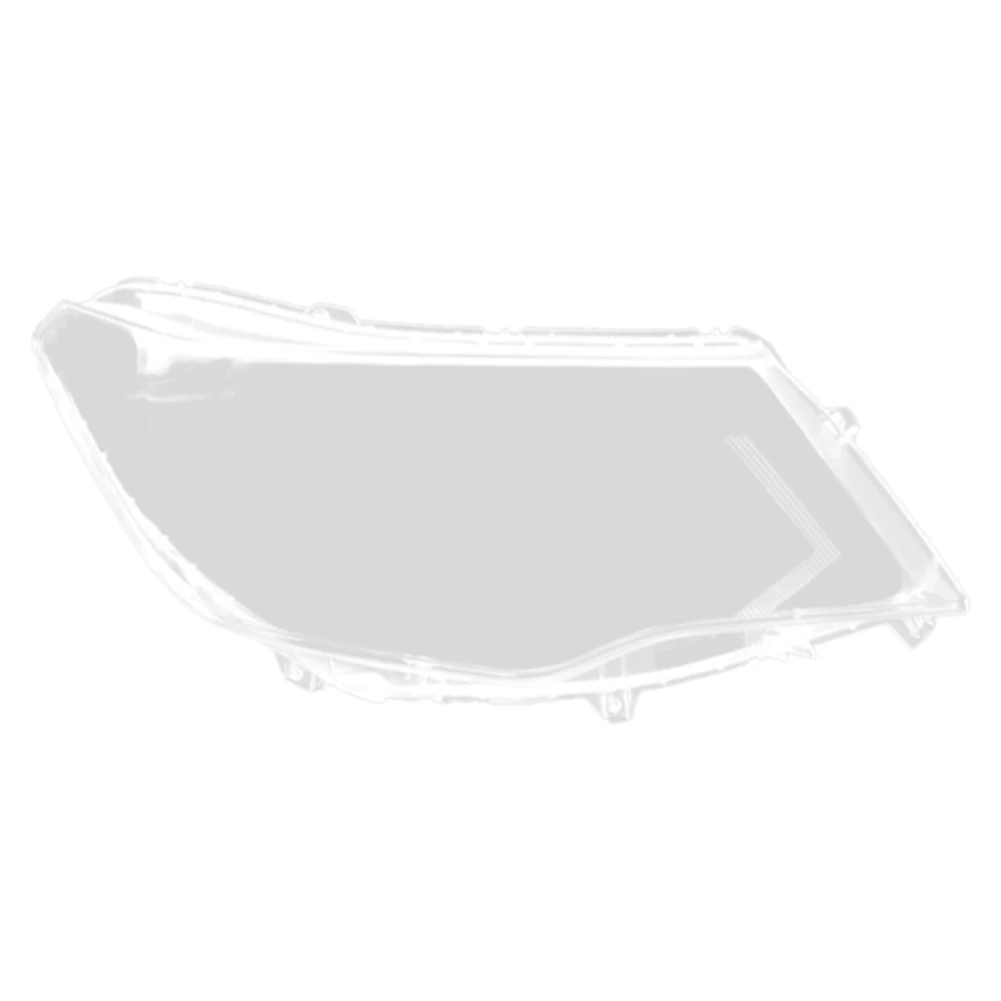
Накладка на правую фару автомобиля, накладка на лампу, прозрачная крышка для объектива, накладка на фару для Terra 2018 2019 2020
aliexpress.ru
$423.94
Комплект колес для велосипеда из углеродного волокна, диаметром 38/50 мм, быстросъемная осевая ось, 1 комплект
aliexpress.ru


$2.81
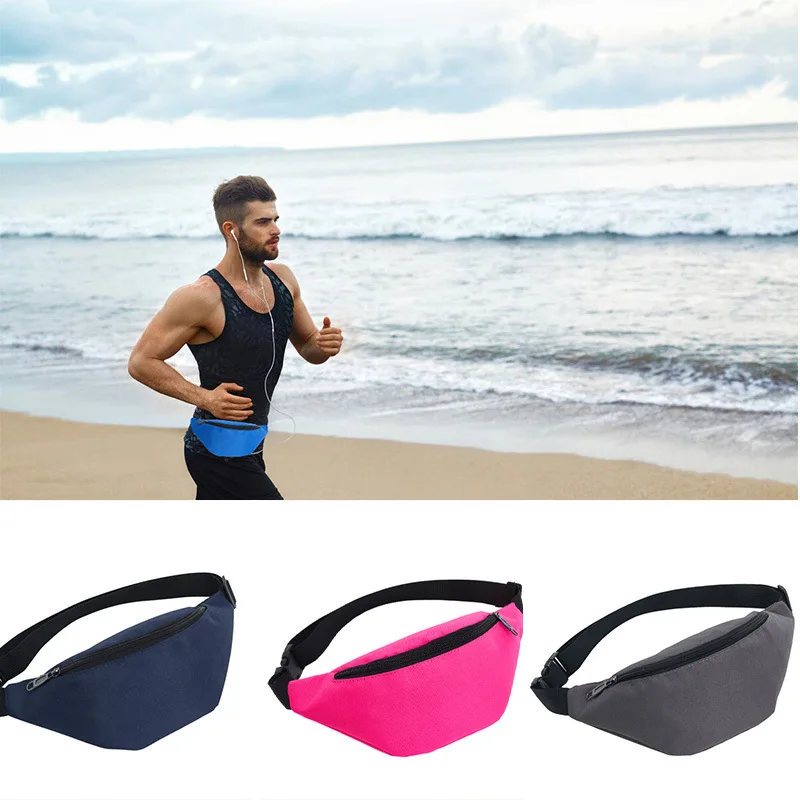
Уличная спортивная сумка через плечо, повседневная дорожная Мужская поясная сумка, поясные сумки, водонепроницаемая Мужская поясная сумка, забавная сумка, модная нагрудная сумка
aliexpress.ru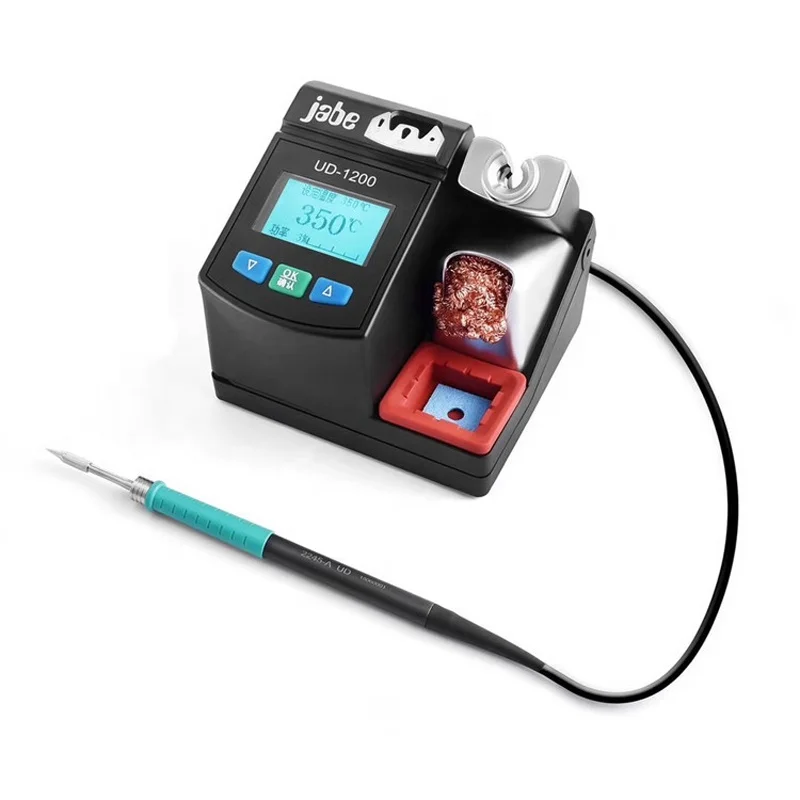
$413.21
Jabe UD 1200 Бессвинцовая Точная паяльная станция для ремонта телефона 2. Быстрое нагревание, двухканальный источник питания, система отопления
aliexpress.ru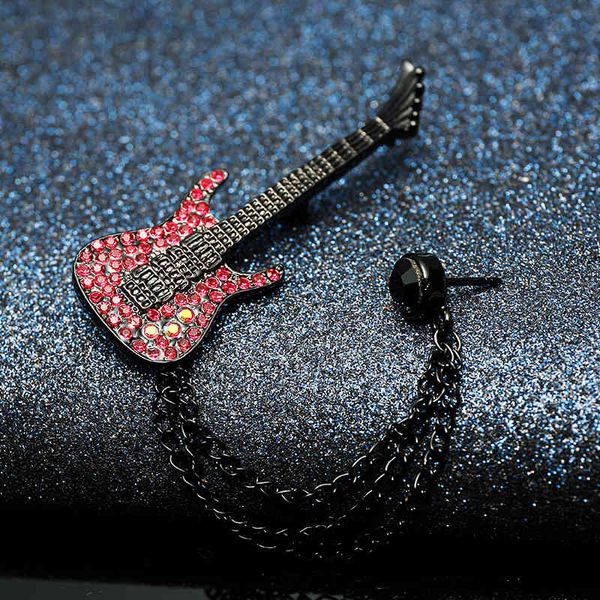
$42.52
japan and south korea fashion brooch male accessories creative guitar red pin student female inlaid diamond, Gray
dhgate.com
$26.27
Держатель автомобильный в решетку обдува с беспроводной зарядкой (быстрая) и гравитационным зажимом Xiaomi 70mai Midrive PB01
portative.by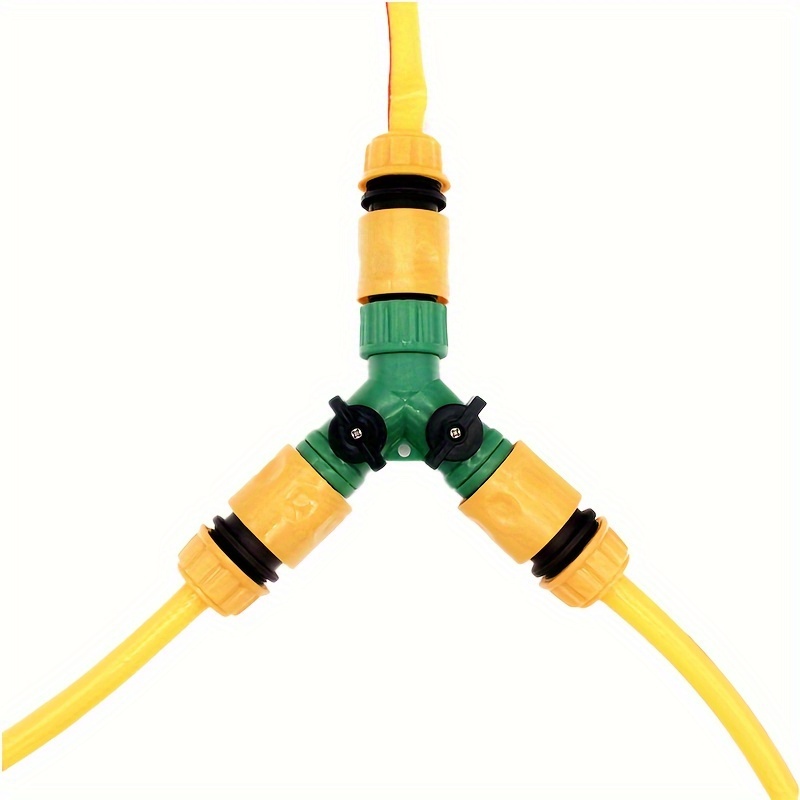
$4.52
1pc/1set Y-type Water Distributor With Switch Hose Splitter Garden Irrigation Watering Fittings Plastic Joint Quick Connect Ball Valve
temu.com


$38.77
Xflsp Mens Custom College Washington Huskies Football Jersey 10 Jacob Eason 72 Trey 21 Quinten Pounds 1 Byron Murphy 7 Taylor Rapp 9 Myles, Black retro
dhgate.com


$0.52
Аксессуары для очков, простая сумка для солнцезащитных очков, мягкий карман для очков из микрофибры, сумка для солнцезащитных очков унисекс
aliexpress.ru
$36.24
Смарт-часы AMOLED BT Calling 2025 N15, 100 спортивных режимов, уличный фитнес-трекер, монитор здоровья, 1,95 дюйма, умные часы
aliexpress.ru