30 Fog Photo Overlays 2.0


Описание
Shop it first! ENTIRE Store Bundle. Free Updates Forever: --- DETAILS & SPECIFICATIONS of 30 Fog Photo Overlays 2.0 set: - 30 JPG files - Width 3840 - High resolution ready to print 300dpi - Photoshop overlay actions to easy apply Finish purchase and make perfect photos to customers! PLEASE NOTE 1. After complete downloading the archive '035. 30 Fog Photo Overlays 2.0.zip' will be downloaded to the Downloads' folder or the one you selected. 2. Unzip the archive into a folder. Do not be discouraged if the folder images with a black background. There is a Screen Blend Mode that allows you to remove the black background by displaying only objects in Photoshop. 3. Open Photoshop, open an image that you will apply and follow one of the ways below. PLEASE LET ME KNOW IF YOU HAVE ANY QUESTIONS. ontact me at support@photoeffects.store INSTRUCTIONS There are 3 the ways to apply photo overlays: 1st - using Overlay Actions include 2nd - using Quickstart PSD course include only in PRO version 3rd - standard, Drag'n'Drop method 1ST WAY: OVERLAYS ACTION This method is more progressive because it allows you to quickly apply overlays from any folder, even from other sellers. In the settings of the action, you can set the hotkey F3 for example so that in one click you call this action 1. Double-click on the 'Overlay Actions.atn' file to load it into Photoshop. Once installed, please access the Actions panel within Photoshop by clicking on 'Window Actions'. There are 2 actions: JPEG and PNG Overlays. The difference between Overlay Action JPEG and Overlay Action PNG is that JPEG applies the Screen Blend Mode. 2. Find Overlays Action' and press Play action what you need. 3. Photoshop dialog box opens and prompts you to select the file. Click Continue' and find the folder you unzipped and select the image you like. This image will immediately get into your Photoshop file where the photo is open. 4. Scale, rotate or reflect the overlay if you want 5. Press Cmd Ctrl Enter and the action will create a layer mask and two adjustment layers. If necessary, apply a black brush on the layer mask to hide the image where necessary, and in the correction layers, adjust the color or Levels so that the overlay looks appropriate for the photo. 6. Save the image and show your customers, they will be pleasantly surprised by the result 2ND WAY: Quickstart PSD COURSE This method allows you to work in a photoshop file, where you can select the overlay you like, making the layer visible. This is convenient because you can see it in the thumbnails of the layers of the image, but it's inconvenient that in some versions of Photoshop the file may not open properly. This function is optional and is supplied as is. 3RD WAY: DRAG'N'DROP 3.1 Drag from the folder any image and place it in a Photoshop file. For images with a black background, apply the Screen Blend Mode. To change the blend mode, double-click on the layer, the layer styles window will open. Change the blending mode and proceed to the next step. For overlays with a transparent background, you do not need to do anything. 3.2 Scale, transform, lower the opacity or add a Layer Mask and Paint on Your Overlay if necessary. SOMETHING MORE - Compatible with any software which works with layers Photoshop CS5 , Photoshop Elements, Paint Shop Pro, etc. - Not for Further Distribution - This listing is a digital download. No physical product will be shipped - Copyright Notice: All copyrights and trademarks of the trademarked ideas and photos being used belong to their respective owners and are not being sold, they are provided to you for free. This item is not a licensed product and I do not claim ownership over the trademarked ideas used.
Характеристики
| _GoogleCategoryID: | 5032 |
График изменения цены & курс обмена валют
Пользователи также просматривали


$41.19
Прибытие для серфинга скейтборда грузовиков сплав 7-дюймовая доска для сёрфинга скейтборда Кронштейн черный C7 мост (случайный цвет)
aliexpress.ru
$26.58
БЫСТРОРАЗЪЕМНАЯ пластина, БЫСТРОРАЗЪЕМНАЯ пластина L для Fuji GFX50R, БЫСТРОРАЗЪЕМНАЯ пластина L для Fuji GFX 50R, БЫСТРОРАЗЪЕМНАЯ пластина L с горячим башмаком
aliexpress.ru
$24.71
Рабочая одежда для отеля, официантки, комбинезоны с длинными рукавами для западного ресторана, официантки, Комбинезоны для кейтеринга, фаст-фуда, дышащие инструменты для приготовления пищи
aliexpress.ru
$321.17
Регулируемая весовая скамейка HARISON с удлинителем для ног и подушечкой для прополочника, плоская скамейка для упражнений с уклоном для домашней тренировки
aliexpress.ru
$4.37
120 см велосипедная фреза для мотоцикла колесо диска напоминание катушка Анти-Вор безопасность пружинный кабель провод инструменты
aliexpress.ru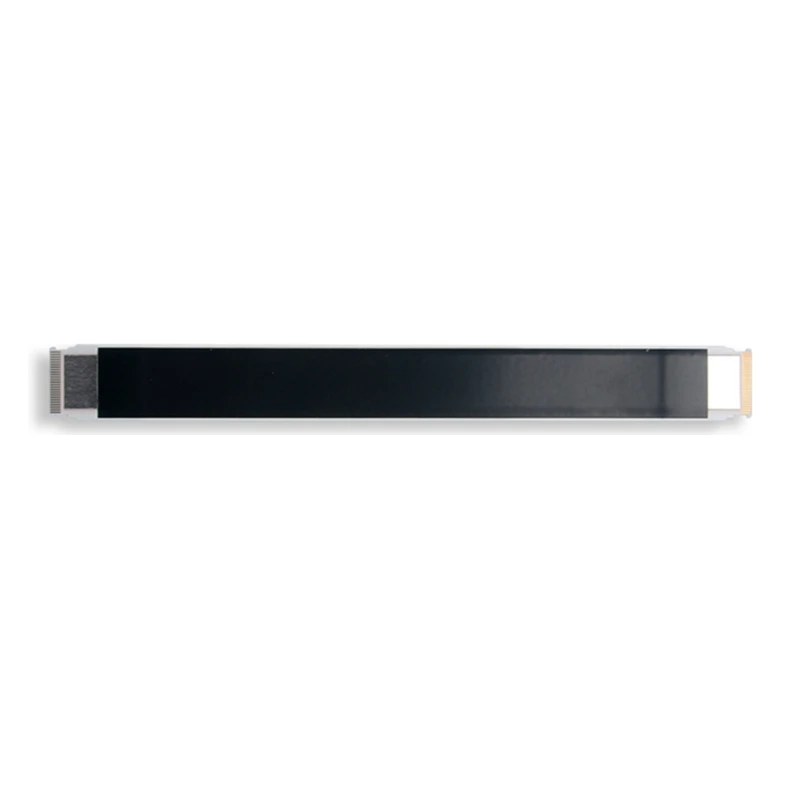
$2.05
Ленточный гибкий кабель для привода DVD, запасная часть, 25 контактов, гибкий кабель для DVD для игровой хост, запасные
aliexpress.ru


$48.18
Uden ærmer Sjaler / Kapper Imiteret pels Fest / aften Sjaler / Wraps til damer Med Knap
lightinthebox.com
$138.96
dragonhawk profesjonell tatoveringssett tatoveringsmaskin - 1 stk tatoveringsmaskiner, lite støy / ergonomisk design / sett metall tatoveringspenn julegave
lightinthebox.com


$15.97
Женское мини-платье с поясом DiYiG, винтажное однобортное платье с длинным рукавом и высокой талией, 2022
aliexpress.ru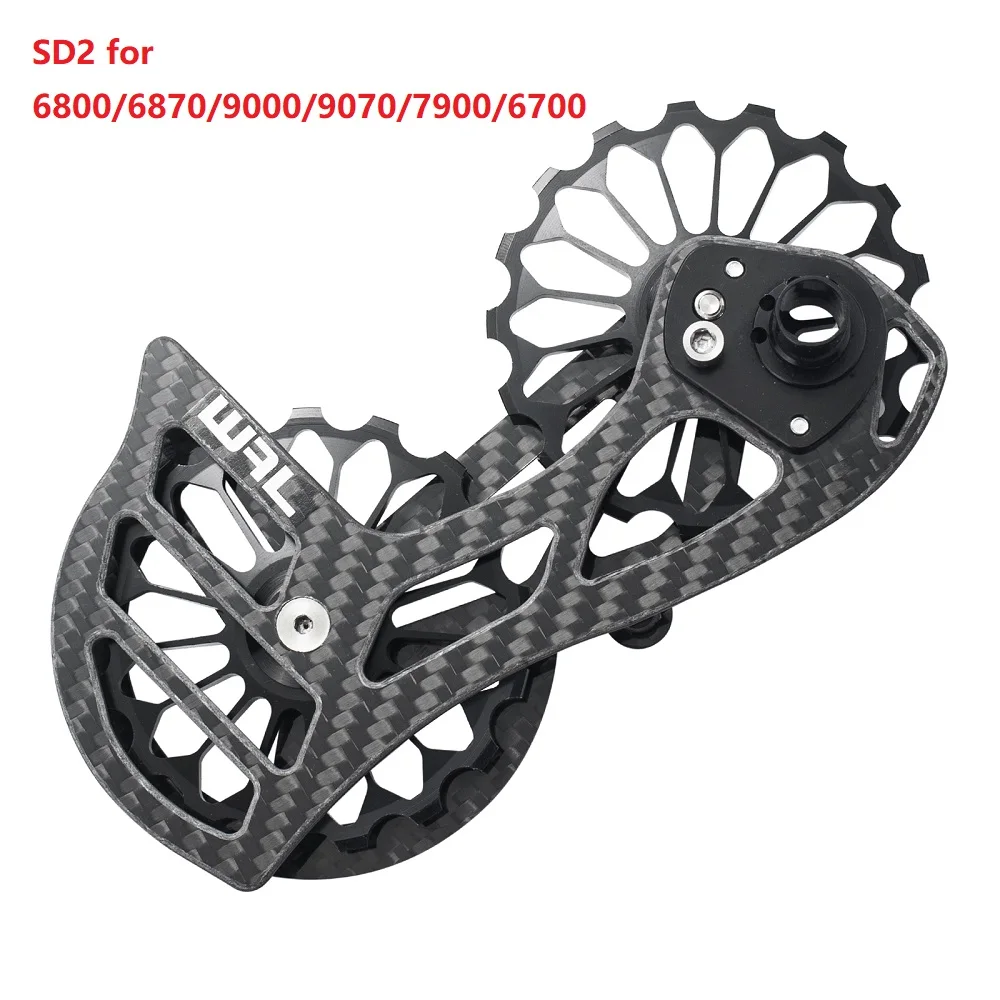
$19.90
Задний переключатель передач для дорожного велосипеда из углеродного волокна, Φ 17T, направляющее колесо, задний шкив для 6700 6800 6870 7900 9000
aliexpress.ru


$338.25
Кровать Двуспальная Sheffield Comfort 180 х 190 см Флай 2231 A1 С подъемным механизмом и нишей для белья, Темно-коричневый
prom.ua


$41.83
Виниловая пластинка ТОМАС МОРЛИ, DELLER CONSORT, ALFR - Балеты, Мадригалы, Паваны и Священные VIC9506 HERMONIA MUNDI - Япония Оби Классика Б/У
joom.ru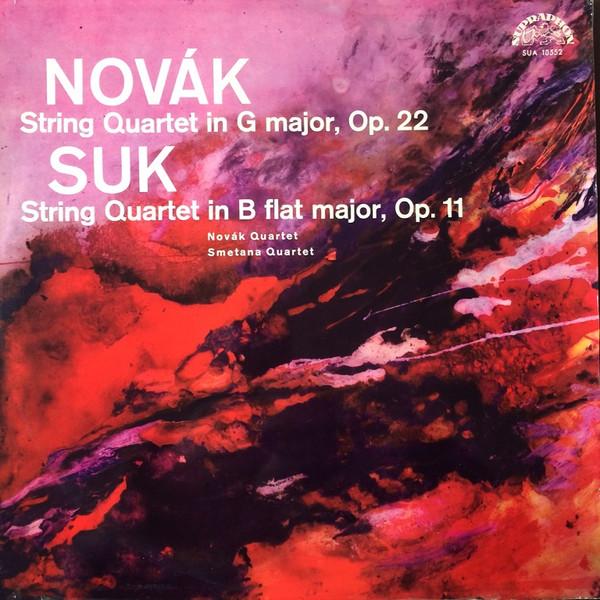
$41.83
LP Record VÍTĚZSLAV NOVÁK, JOSEF SUK - String Quartet In G Major, Op. 22 / SUAST50552 Supraphon 1966 Czechoslov Classical Used
joom.ru
![TAMASHII NATIONS NXEDGE STYLE Majin Hero Wataru Senjinmaru 90 мм окрашенная подвижная фигура [MASHIN UNIT] приблизительно. АБС и ПВХ](http://img.joomcdn.net/e473253bdb8e9ee565a7e1046b00e8e01c514b3d_original.jpeg "TAMASHII NATIONS NXEDGE STYLE Majin Hero Wataru Senjinmaru 90 мм окрашенная подвижная фигура [MASHIN UNIT] приблизительно. АБС и ПВХ")